Validation Code is a field set up that you would see on forms. You can use this field when you would like some sort of validation code to be provided to the user after the completion of the course. The participant in turn is required to enter the code on after course completion tasks like the post tests and evaluations order to avail the credits.
below is how you add the codes on the form.
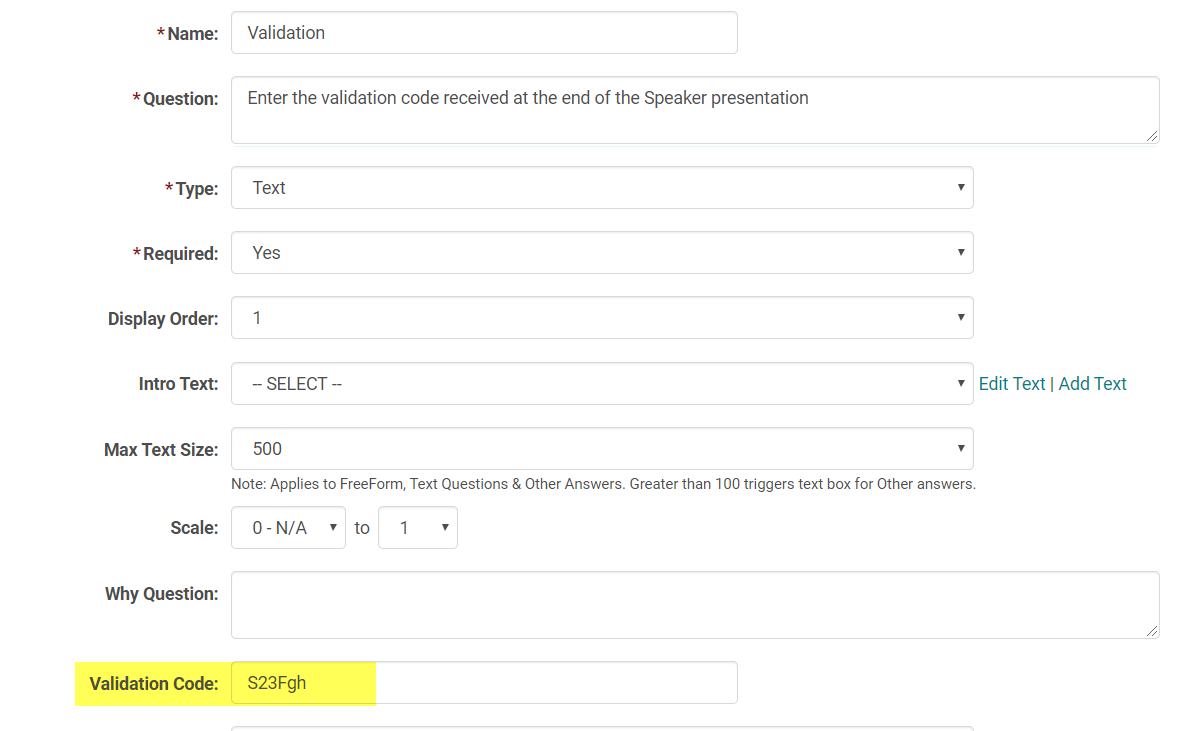
On the form add the question, preferably at the beginning, assuming that you wouldn't want someone without a code or with an invalid code to even complete the rest of the questions. Enter the Validation code that you would present to the users after the course. make sure the question is flagged as Required=Yes
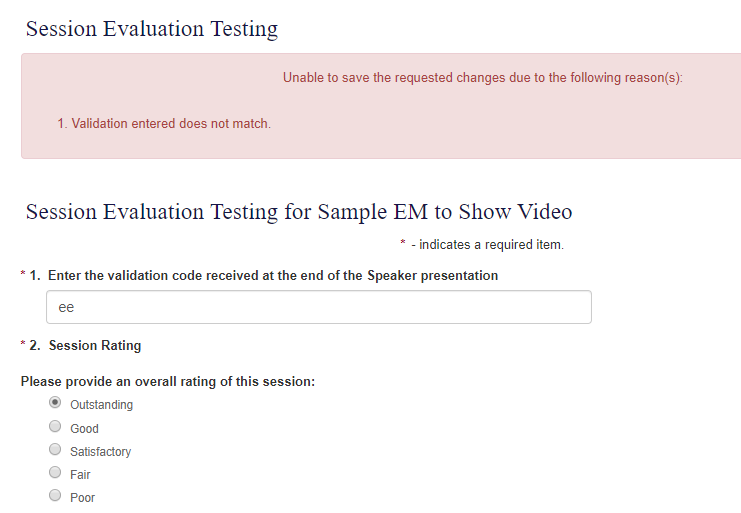
When the participant completes the Evaluation form they are required to enter the code on the form. If they enter the wrong code they would receive an error and will not be able to submit the form.
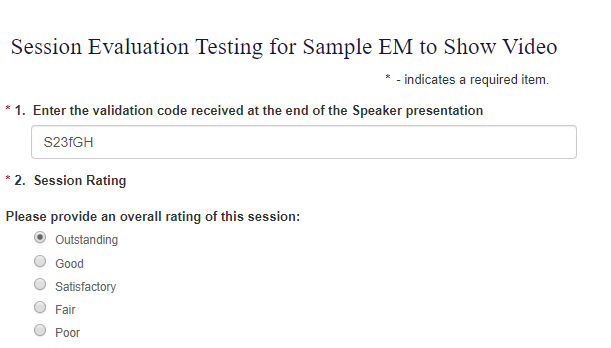
Note: Validation codes are not case sensitive. A space is valid if it is not at the beginning or end of the validation code.
System validates the codes as long as all the characters match. Compare this code with the one shown on screen shot 1.
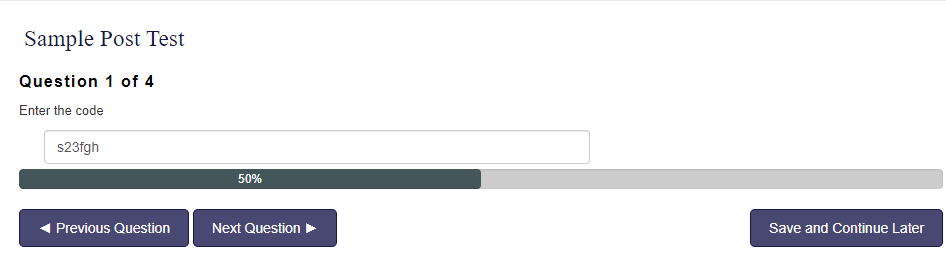
Validation codes can also be used on the post tests
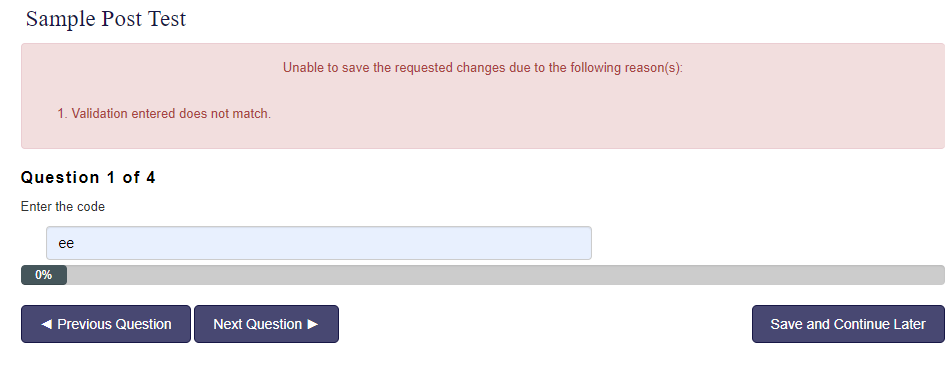
User cannot move on without entering the valid code.
Post tests and Evaluations are marked as complete only after successful completion of all the questions.