There are two reports you can run to find out the status of Event / Session Document Uploads (i.e., Handouts, Presentations, Materials, etc.):
Go to Reports > People
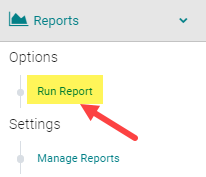

Click on the 'Documents Reports' section and select one of the two highlighted reports
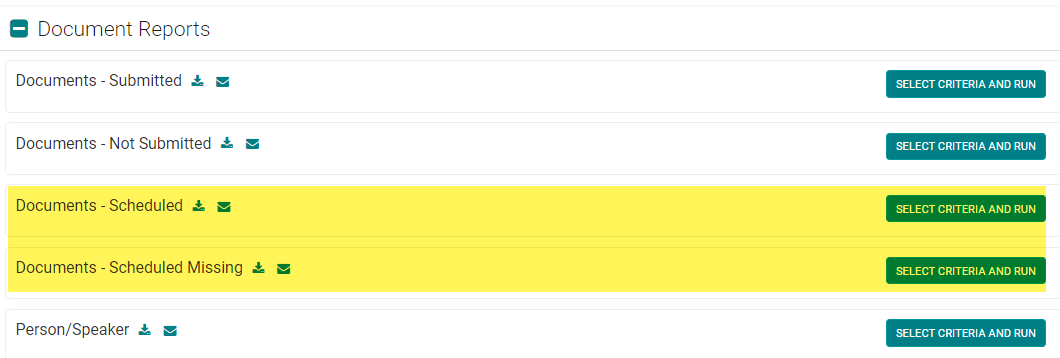
OPTION 1: Documents - Scheduled
This report will list who uploaded a document for a particular Event/Session with the corresponding file name hyperlinked for download.
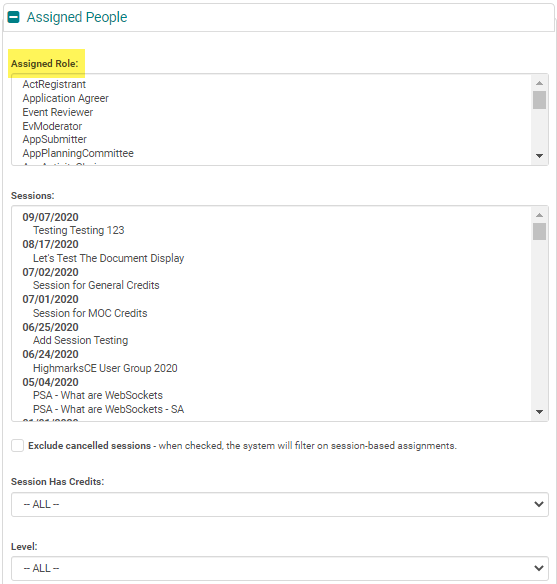
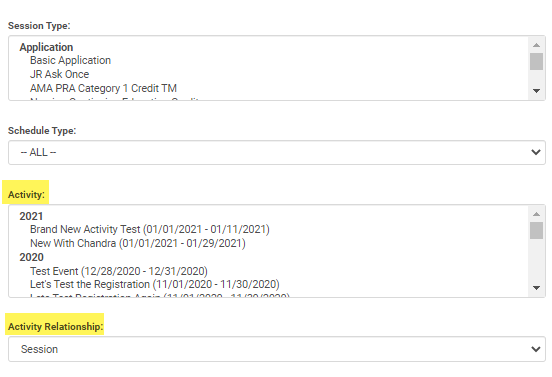
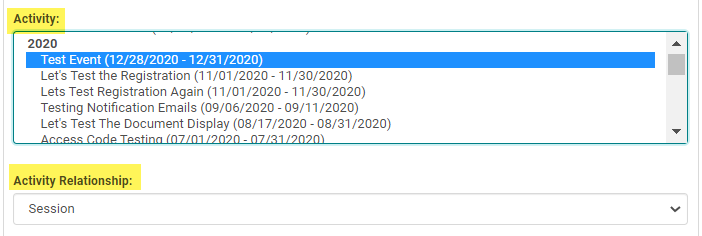
NOTE: Be sure to filter by a particular Activity or Session before running the report
OPTION 2: Documents - Scheduled Missing
This report will list who has not uploaded a document for a particular Event/Session. Use the 'Send Email' option to send a reminder.
NOTE: Be sure to filter by the Assigned Role(s) and Activity or Session before running the report