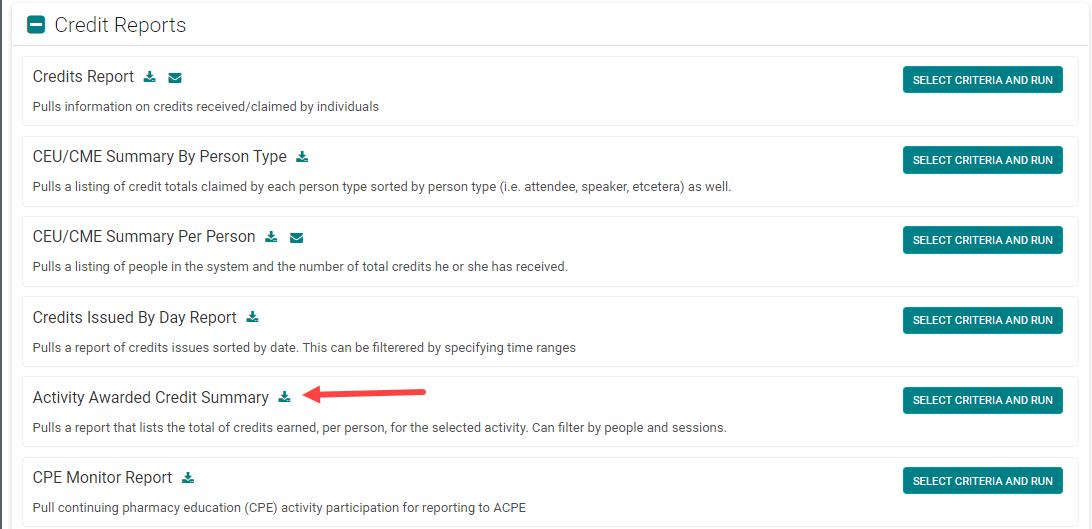
The 'Activity Awarded Credit Summary' report will provide the total number of credits each participant earns for a specific Activity.
NOTE: this report does not include 'Pending' credits
Before you can run this report, you must select the appropriate Activity from the 'Select / Switch' button:

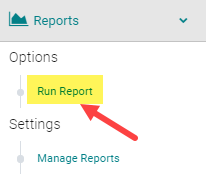
Go to Reports > People

From the 'Credit Reports' section, select the 'Activity Awarded Credit Summary' option
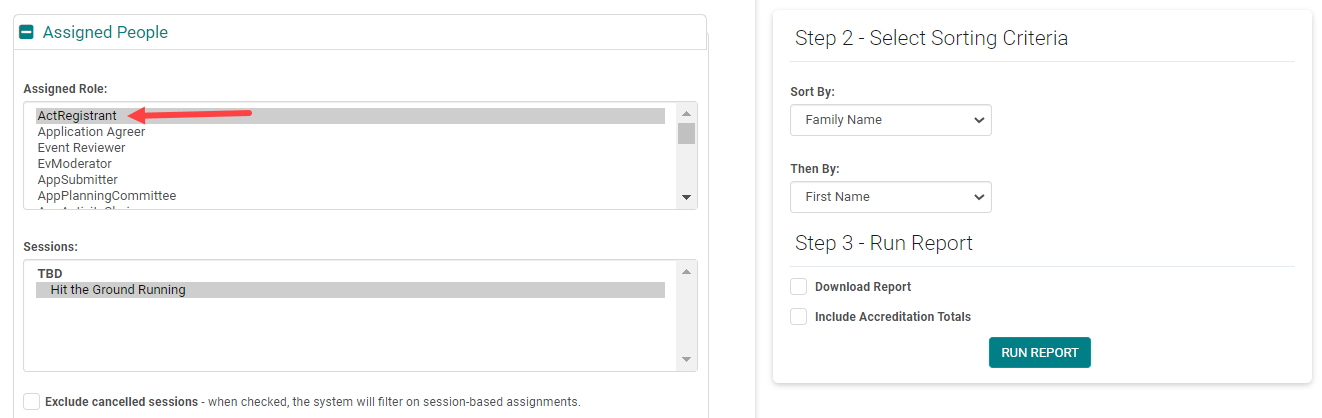
Select Assigned role = 'ActRegistrant' and click 'Run Report'
NOTE: the 'Include Accreditation Totals' option only applies if you are using the 'Manage Accreditations' or 'Credit Types' within each individual Event/Session. Check with your Project Manager if you are unsure.