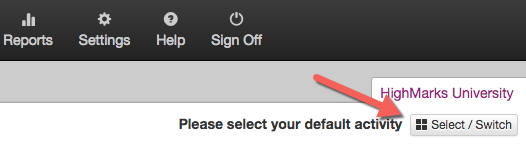
Select the Activity you wish the print badges for
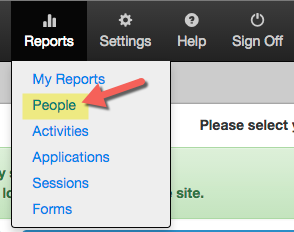
Go to Reports > People
Under the 'Person Reports' section, select the 'Badges - 6 Up Report (Avery 5384 Template)

Select the appropriate filters under 'Step 1 - Select Filter Options' and click 'Run Report'
NOTE: If using the Registration Module, filter by:
Assigned Role = ActRegistrant
Activity = select appropriate activity
Activity Relationship = Activity

Click 'Download PDF Report'

Use the 'Print' icon to print badges on the Avery 5384 stock
