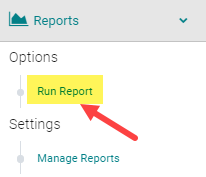
To pull the test results for users who submitted a Form Type = Pre or Post-Test, go to Reports > Forms

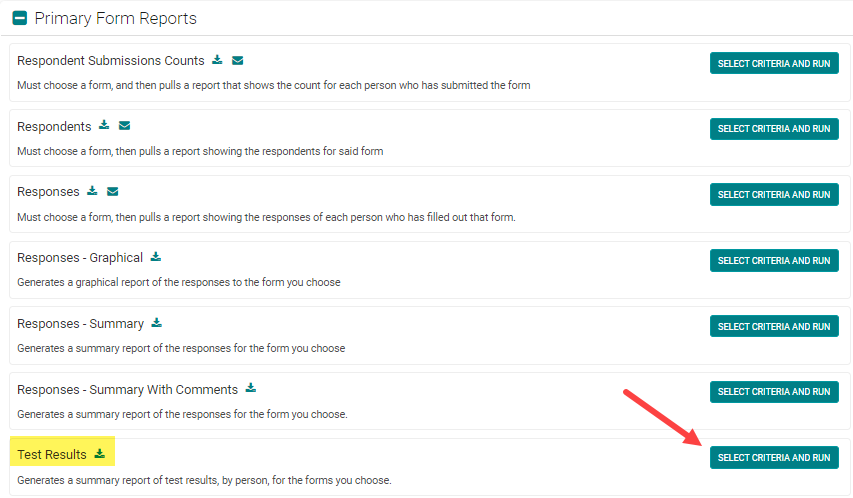
Under the 'Primary Form Reports' header, select the 'Test Results' report
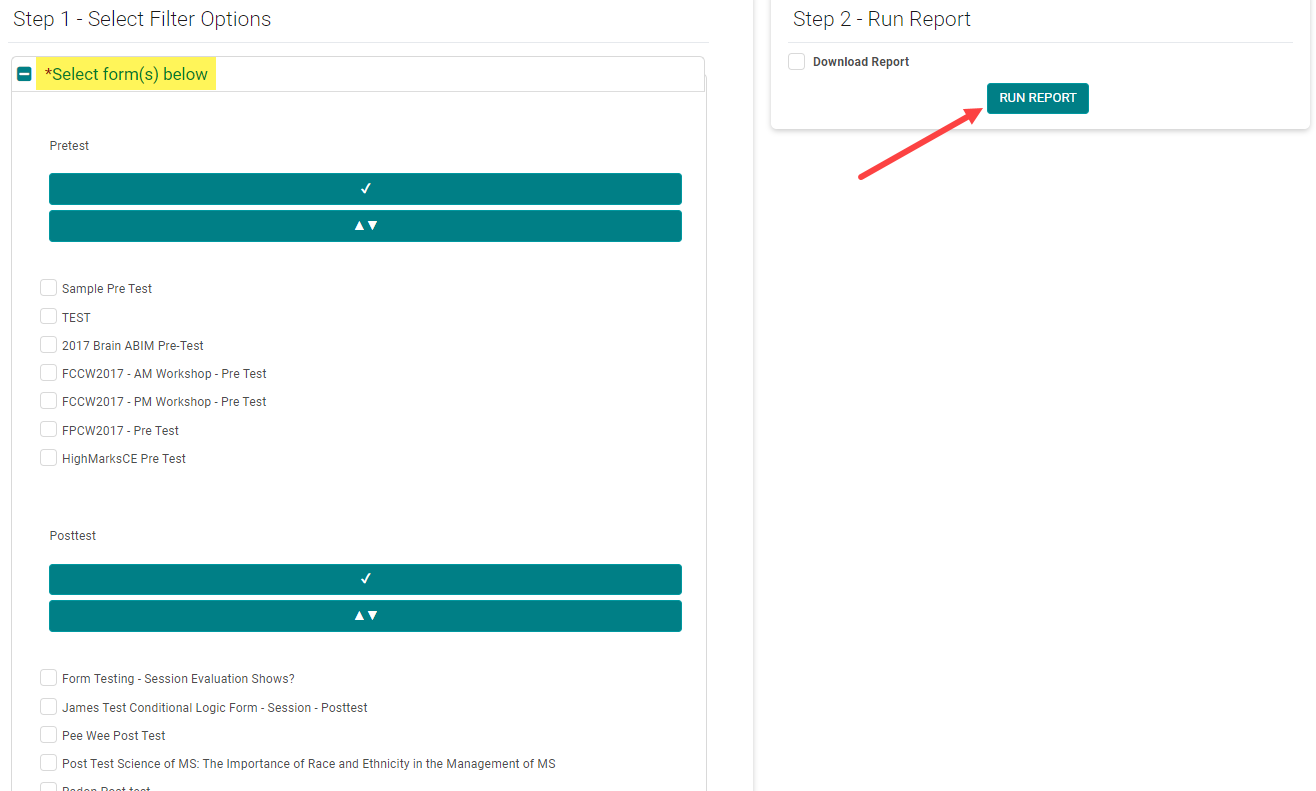
Select the appropriate Form(s) and click 'Run Report'
NOTE: Use the 'Results' filter to see users who have passed or failed ('Passing Weight' must be set up in the Form in order to pull these results). The 'Incomplete Attempt' option only applies to Enduring Materials Post-tests, where the user answered one or more test questions, but did not complete the test in full.
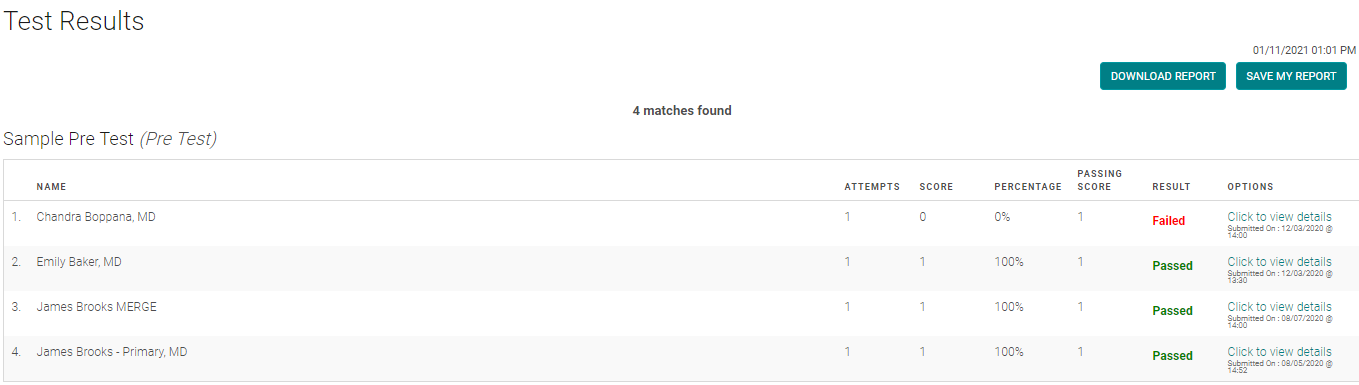
Sample results screen