Reporting on the Confirmation Data Grid
Reports > Forms > Primary Form Reports > Responses
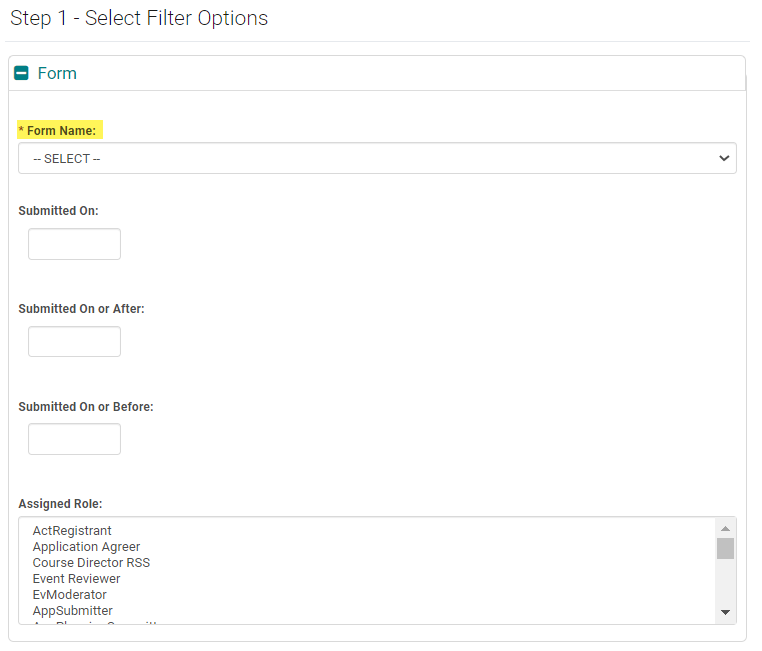
STEP 1 - Filter Options
Form Name = Required
Completed (optional)
Blank = NULL
Yes = Form is complete as of 'Last Confirmed On Date' AND within the 'Age Responses By' number of days.
No = Form is incomplete because it has never been filled out, or because the 'Last Confirmed On Date' is past the 'Age Responses By' number of days.
Shown On - Defaults to current date. When you enter a past date, the report will display active relationships, if any, as of that date. The responses are also as dictated by the Show Responses for question setting ( 365 days, 730 days etc.) on the form. That means if the question is set to show responses for 365 days, disclosure ended before 365 days would not show. However, users can see these responses as part of their Past Relationships on the front end.
Note: The 'Shown On' filter is used to filter the response to the confirmation grid question only. The records where there is no response to this question because the user does not have any relationships disclosed will not be filtered unless Submitted On or Before field is also used in addition to the Shown On.
Shown On Offset - Allows you to create a window between the 'Offset value' and 'Shown On' Date to identify active Relationships regardless of the Show Responses for question setting . The Offset Date only counts backwards, or subtracts days. If left blank, this will include all responses (relationships) that were active on the date entered in the 'Shown On' field and the number of days on the Show Responses for question on the form.

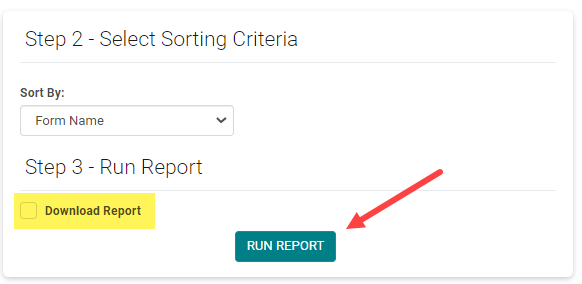
STEP 3 - Check the box to 'Download Report' (optional) and click 'Run Report'