Zoom/webinar Meeting and recorded presentation links on Enduring Materials
There are two different places where you could add the Zoom links on Enduring Materials.
Option 1: If you would like the Zoom Link to show as a part of the Enduring Material step by step process
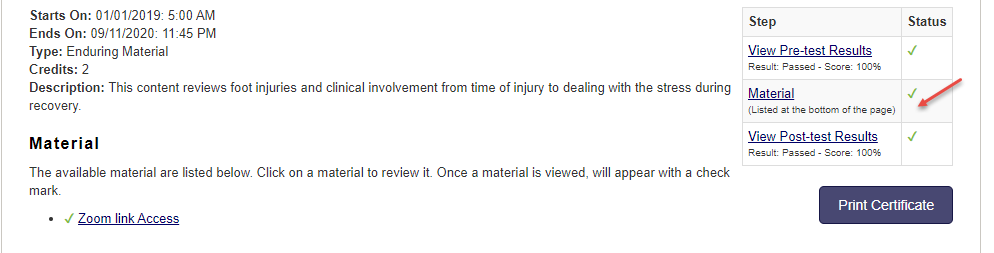
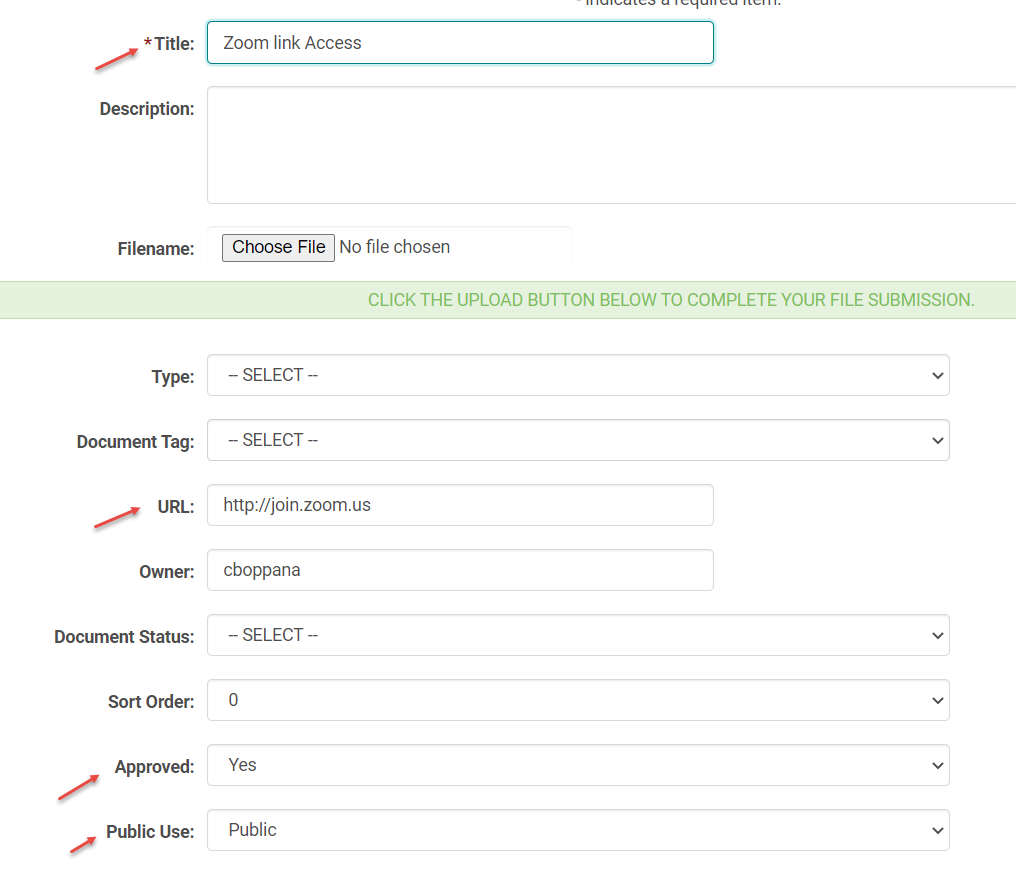
Go the Enduring Material Session > click on the Manage Documents button, and add the zoom link to the URL field. Flag the Approved and Public Use fields as shown below.
Option 2: If you would like the Zoom Link to show on the preview, but not as a part of the step by step process
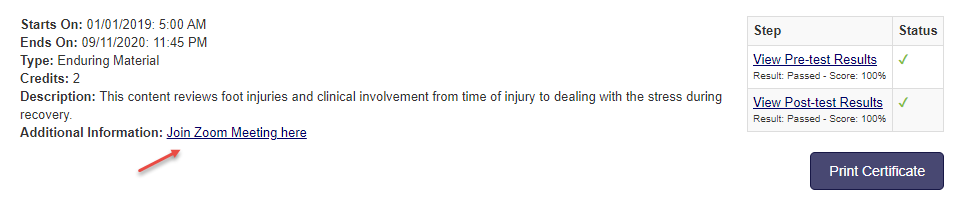
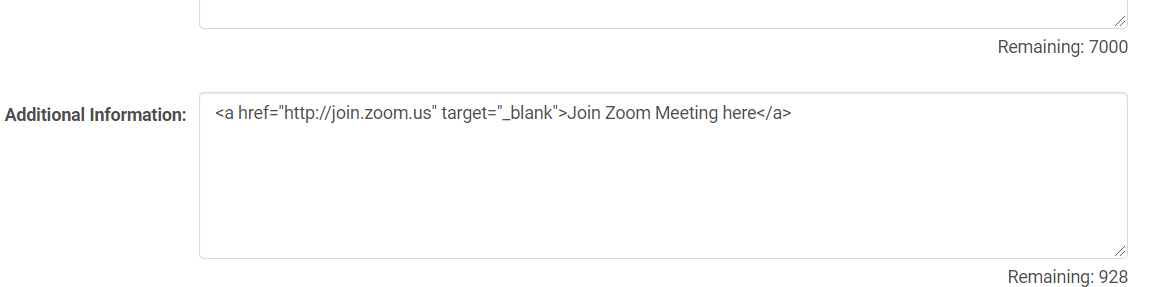
On the Edit Session page add the zoom link either in the Description or Additional Information (if available) field. Make sure the anchor tags and the syntax rules are correctly followed.
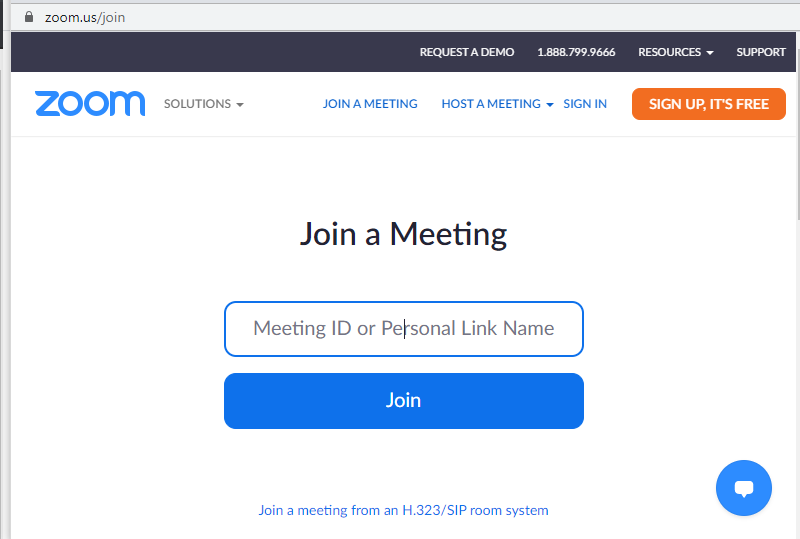
If your link does not include a meeting id, when the user clicks on the link it would open a page like this for them to enter the meeting ID.
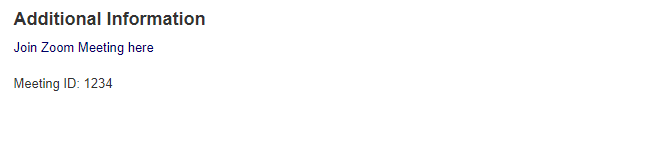
you could add the Meeting ID info under the Additional Info section on the Edit Session screen.
You can also add the recorded Zoom presentations in the place of the zoom meeting links.
Note: HM does not host large media files, so we recommend you to host the recorded zoom video or audio files on other platforms and add the access links on the HM web site.