Checklist:
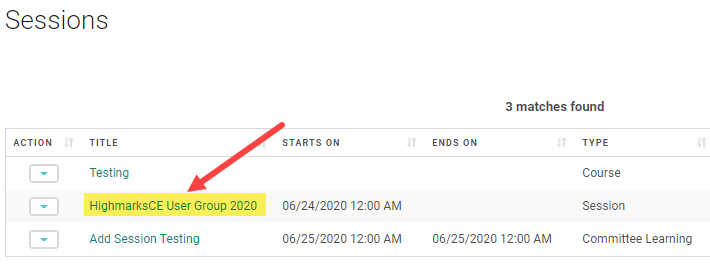
1) Select the Session and click on the Session name
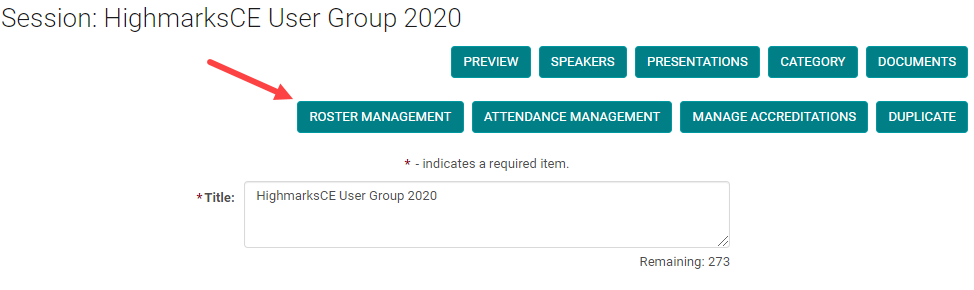
2) Go to Roster Management
3) Click on Add People
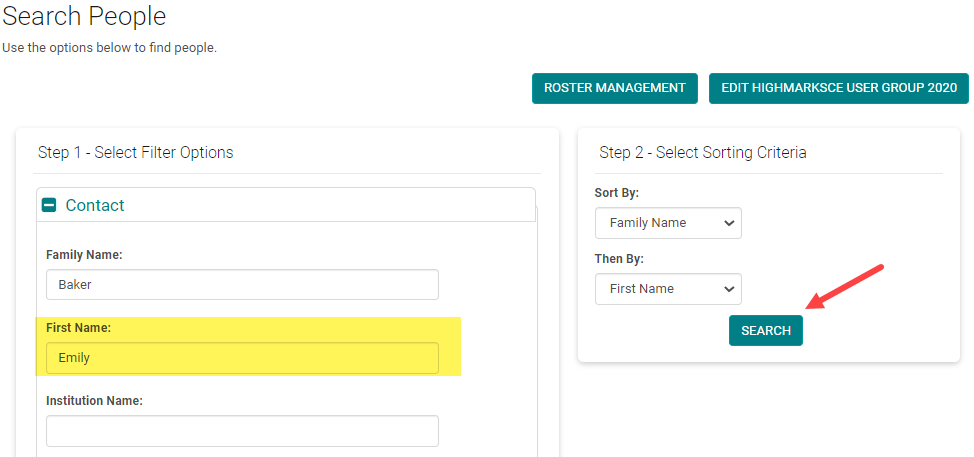
4)Search for the person to be added to the Roster
5) Check the 'Add New' option
Roster Management is used to record users who registered for a particular Event/Session.
To manually add a user to 'Roster Management'
Search and find the course under ‘Sessions’
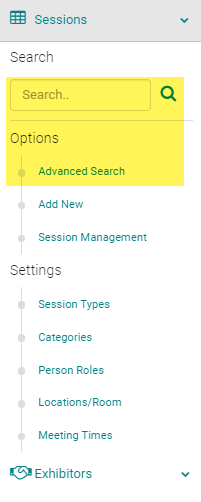
Click on the Session Title
Click on 'Roster management'
Select ‘Add People’

Search and Find the person you want to add to the session
Check the box next to the user’s name and click ‘Add to Roster’
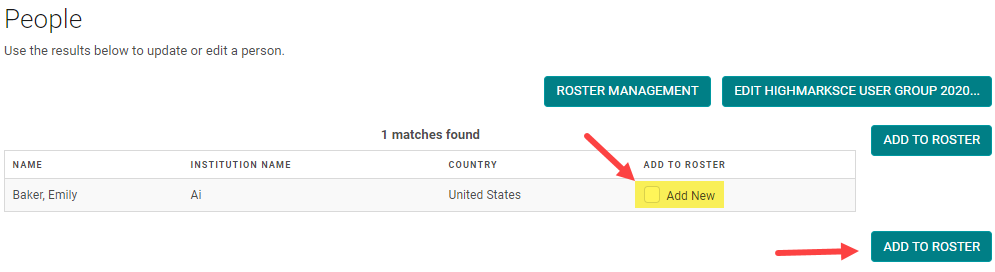
Check the box next to - Remove person name, the person is removed from the Session Roster.
