This feature allows you to send an email to an individual person. See related articles for sending mass emails from reports.
Go to People > use the search box or click on 'Advanced Search' to find the person you want to send an email to

From the search results screen, click on the Name of the person you want to send an email to

Select the Email Template you want to send to the person from the drop-down list
NOTE: this opens a pop-up window. If you do not see the window, check your browser settings for allowing pop-up windows.

Review and update any necessary information, confirm the recipient is correct, and click 'Send'

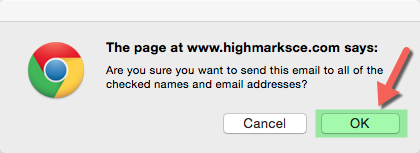
Click 'Ok' to send the email
Invalid emails will be marked as 'FAILED'
