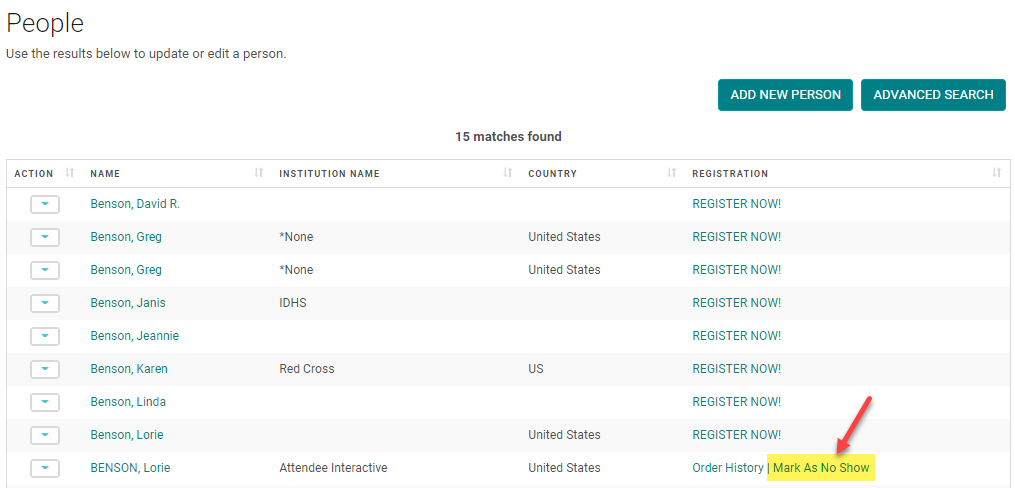
There are two ways to mark someone as a registration "No Show" for an Activity.
NOTE: Users marked as a 'No Show' will not be able to claim credit for the Activity.
OPTION 1:
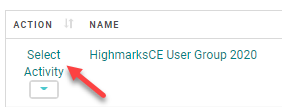
Go to the Activity Switcher

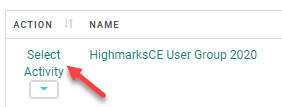
Select the Activity you are marking the no show for and click 'Select' at the bottom of the window
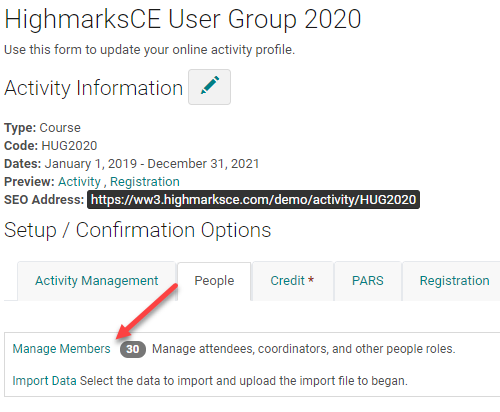
From the Activity Dashboard, click 'Manage People', ,'Manage Members', or 'Manage Participants' (Label is custom to site)
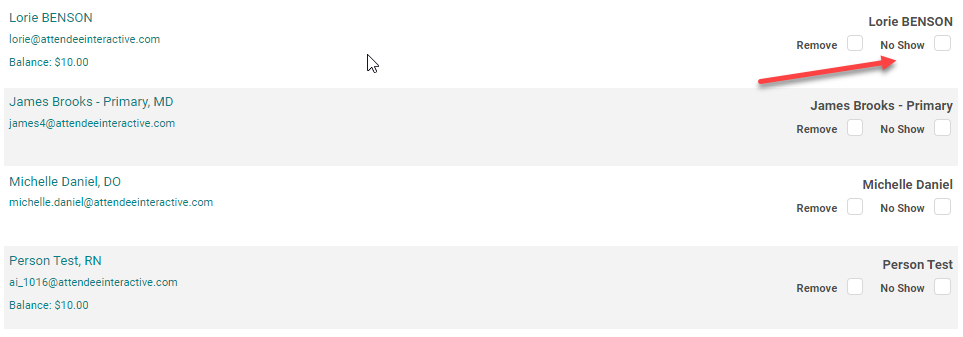
Check the 'No Show' box next to the appropriate person and update the changes by clicking Remove/Update Assignments'.
OPTION 2:
Go to the Activity Switcher

Select the Activity you are marking the no show for and click 'Select' at the bottom of the window
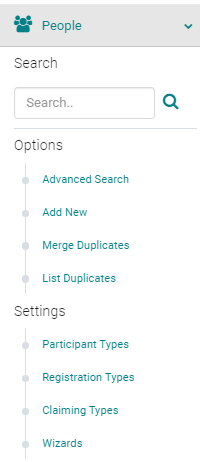
Go to People > search for the person you want to mark as a no show
Click the 'Mark As No Show' link next to the appropriate name