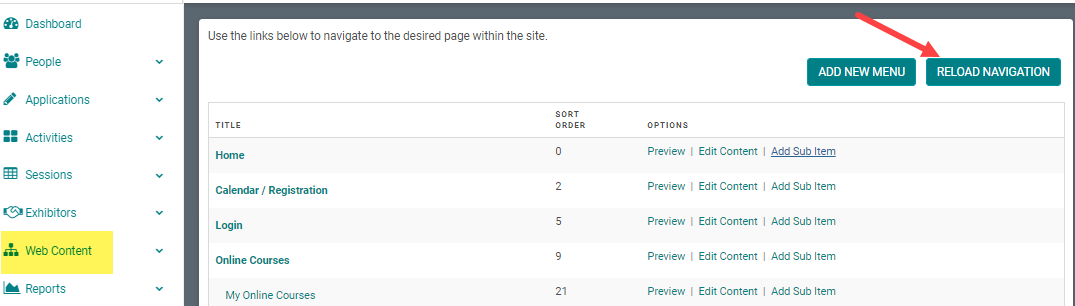
NOTE: Your Project Manager must have the Metadata feature set up when deploying your web site.
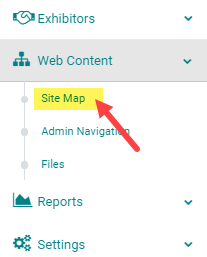
STEP 1: Go to Web Content > Site Map
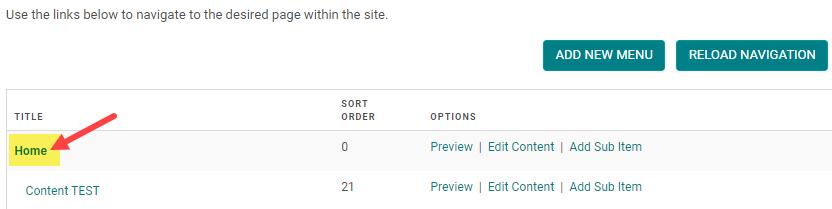
STEP 2: Click on the Title of the Menu you want to add Metadata to. (or click 'Add New Menu' to start from scratch - see related article on how to add a new menu)
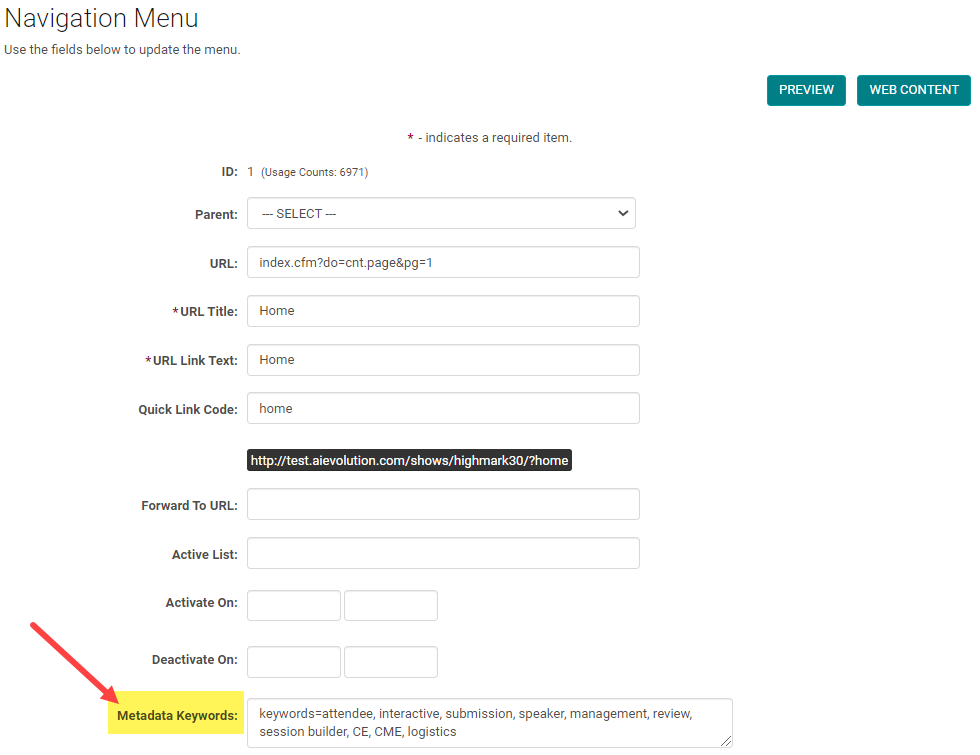
STEP 3: Enter keywords and a description in the 'Metadata' field, per the example below, and click 'Save.' NOTE: You must click 'Reload Navigation' to activate your changes to the Menu. See next step.
STEP 4: Be sure to close the window and click 'Reload Navigation' on the Site Map to activate your changes to the Menu