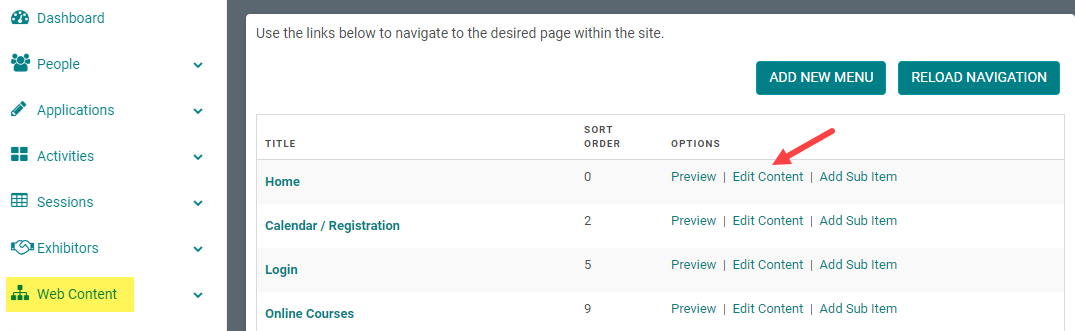
Step 1: Go to Web Content > Site Map > click 'Edit Content' next to the Menu Title you want to add content to
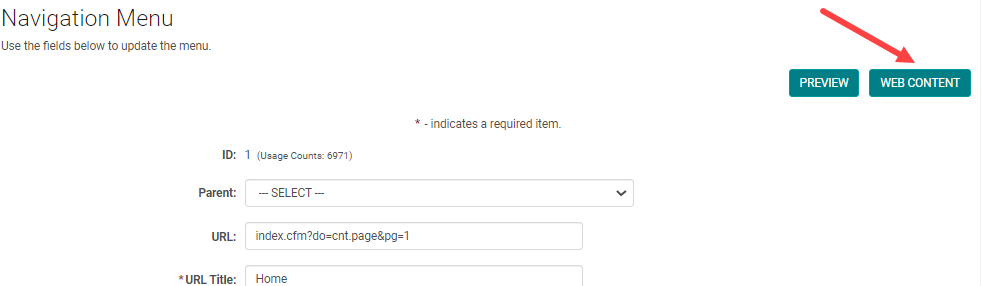
-OR-
Step 1: From the 'Edit Navigation' page, click 'Edit Content'
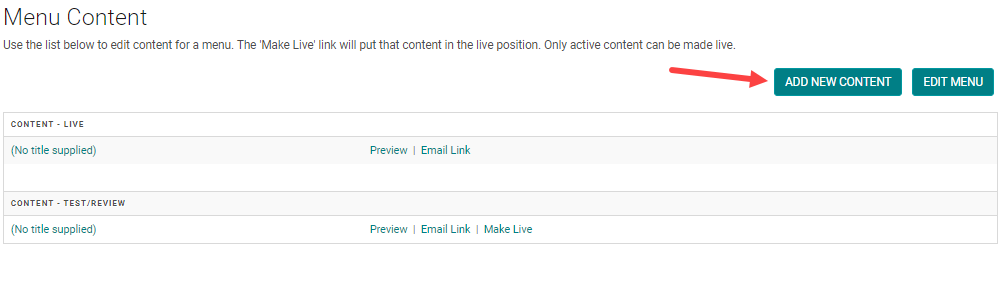
Step 2: Click 'Add New Content'
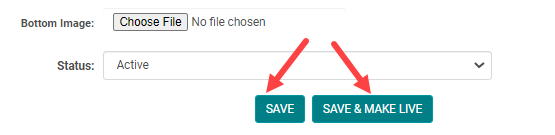
Step 3: Add the appropriate content and click 'Save' or 'Save & Make Live' if you want to publish the content on the website