When there is scrolling banner added to your site you have the ability to change the images and update it as needed.
The slider is setup to come from the web content.
How it works:
-
There is a parent menu item called Slider or Slider Images or Carousal on your site under Web Content -Site Map
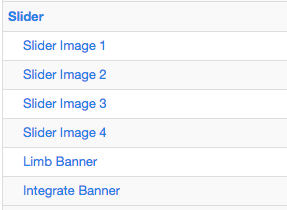
- Add sub pages under the parent menu to add new slider images. Note: Refer to Add New Sub Item/ Sub Menu help document.
-
The sub page must have a live page that has a top content image.
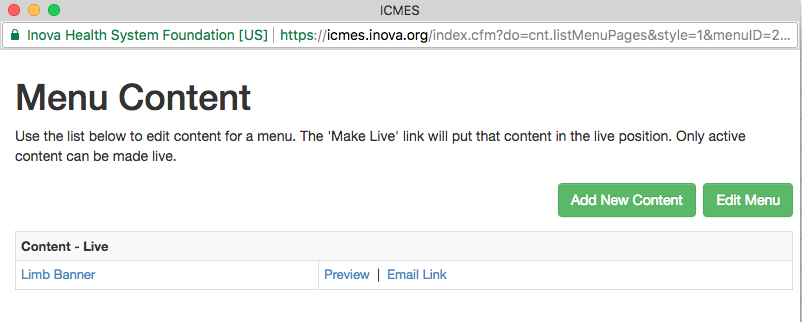
-
The image for the slider is pulled from the active menu page's top
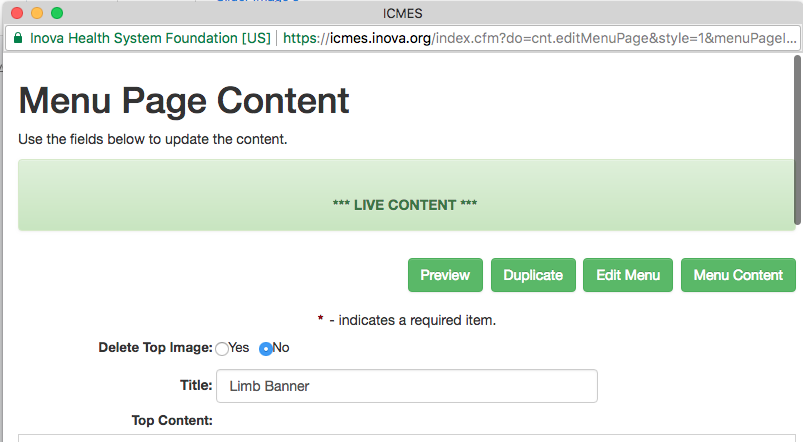
- Inactivate the sub menu to remove the image from the slider