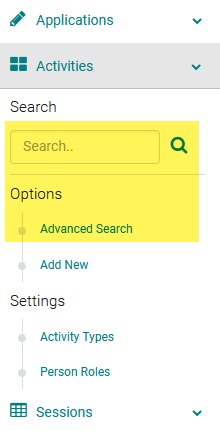
Go to Sessions/Events > use the search box or 'Advanced Search' to find the Session or Presentation you want to assign a speaker to
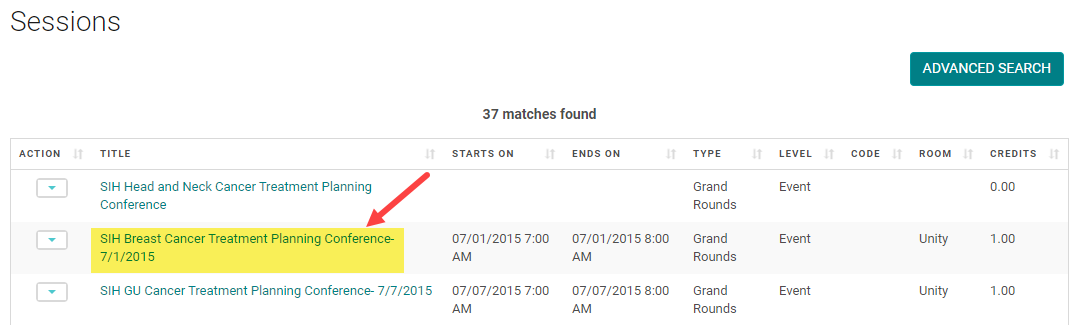
Click on the Title of the Session/Event or Presentation
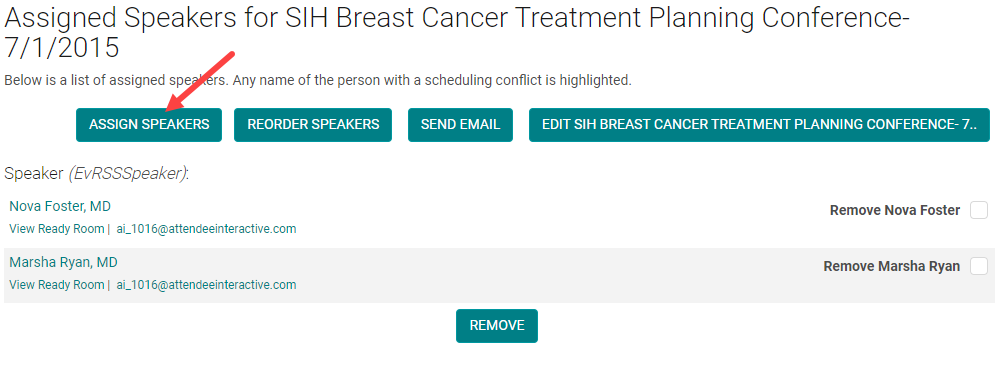
Click 'Manage People' (sometimes labeled as 'Manage Speakers' or 'Manage Roles')

Click 'Assign Speakers'
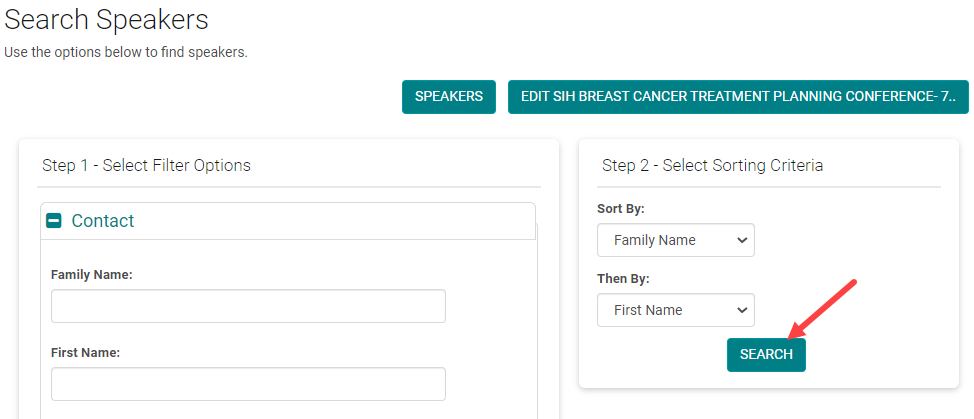
Enter the search criteria for the person you want to assign and click 'Search'
Check the box next to the appropriate 'Role' and click 'Assign'
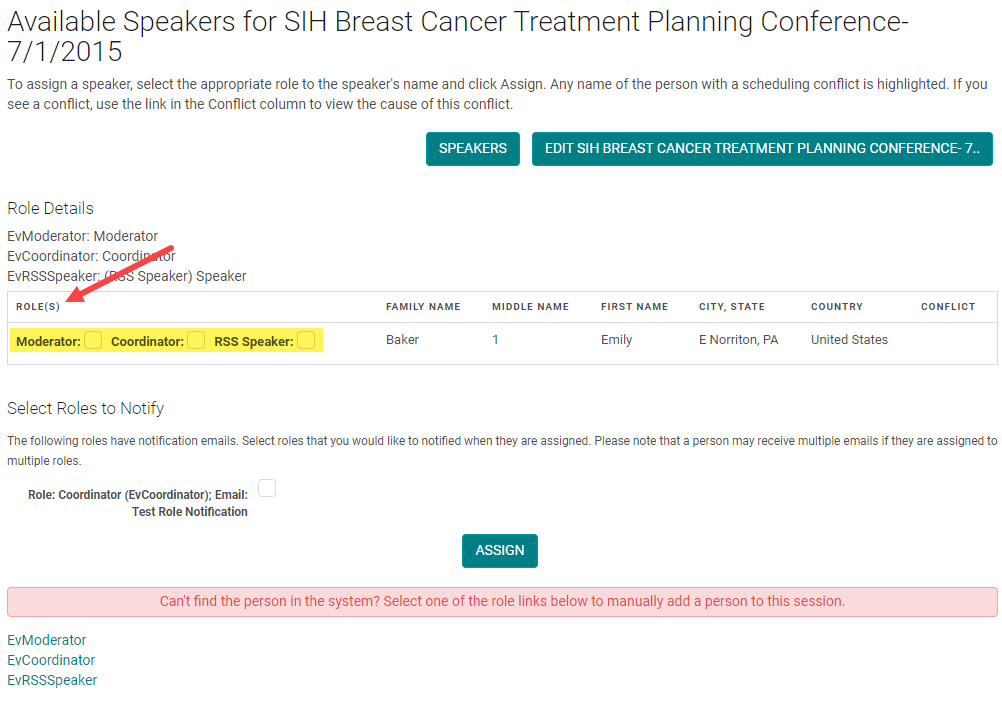
NOTE: if you cannot find the person, click on the correct 'Role' at the bottom of the screen and the system will allow you to add a new Person.
Check the box next to - Remove person name, the person is removed as the Speaker and add new speakers like show in the process above.