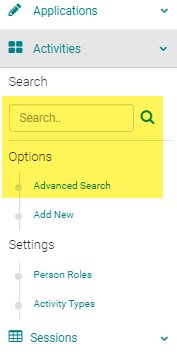
Go to Sessions (or Events) and use the search box or 'Advanced Search' to find the Session you need to inactivate
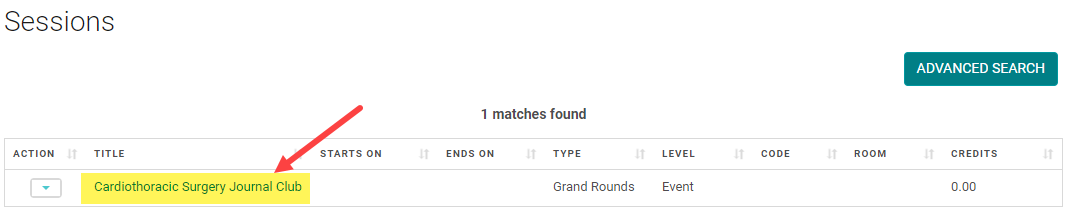
Click on the Session Title
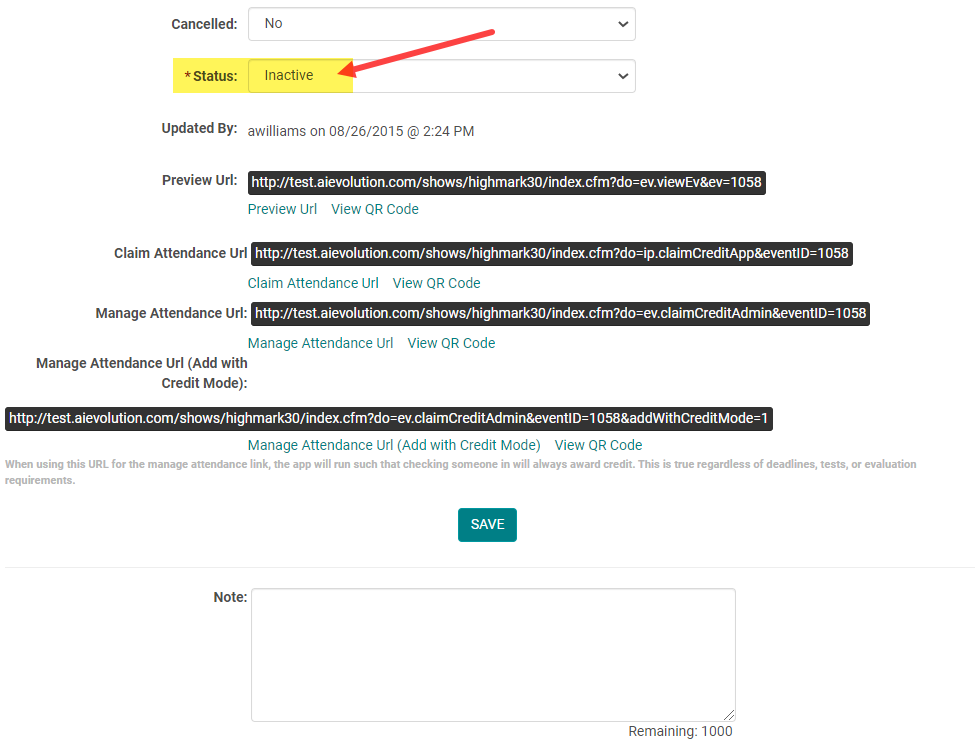
Scroll to the bottom of the page, change the 'Status' field to 'Inactive', and click 'Save'
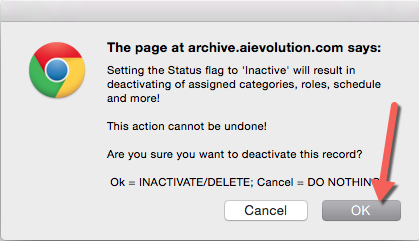
Click 'OK' to fully inactivate the Session. NOTE: Inactivating a Session will result in removing assigned Categories, Speakers (or other Roles), Presentations, and more!