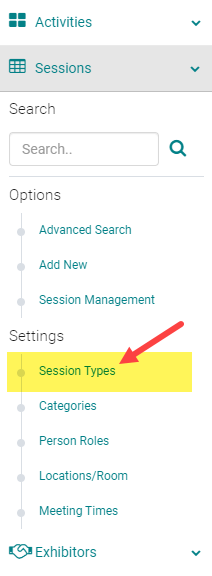
To add or edit an Event/Session Type, go to Sessions (or Events) and click on 'Session Types' (or Event Types)
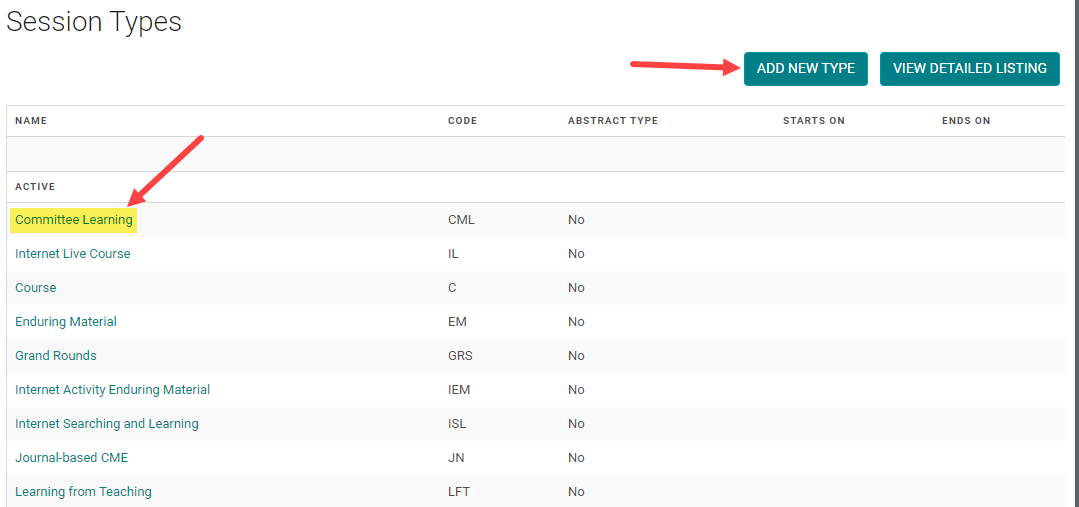
To edit an existing Type, click on the name of the Type. Or, click on the 'Add New Type'
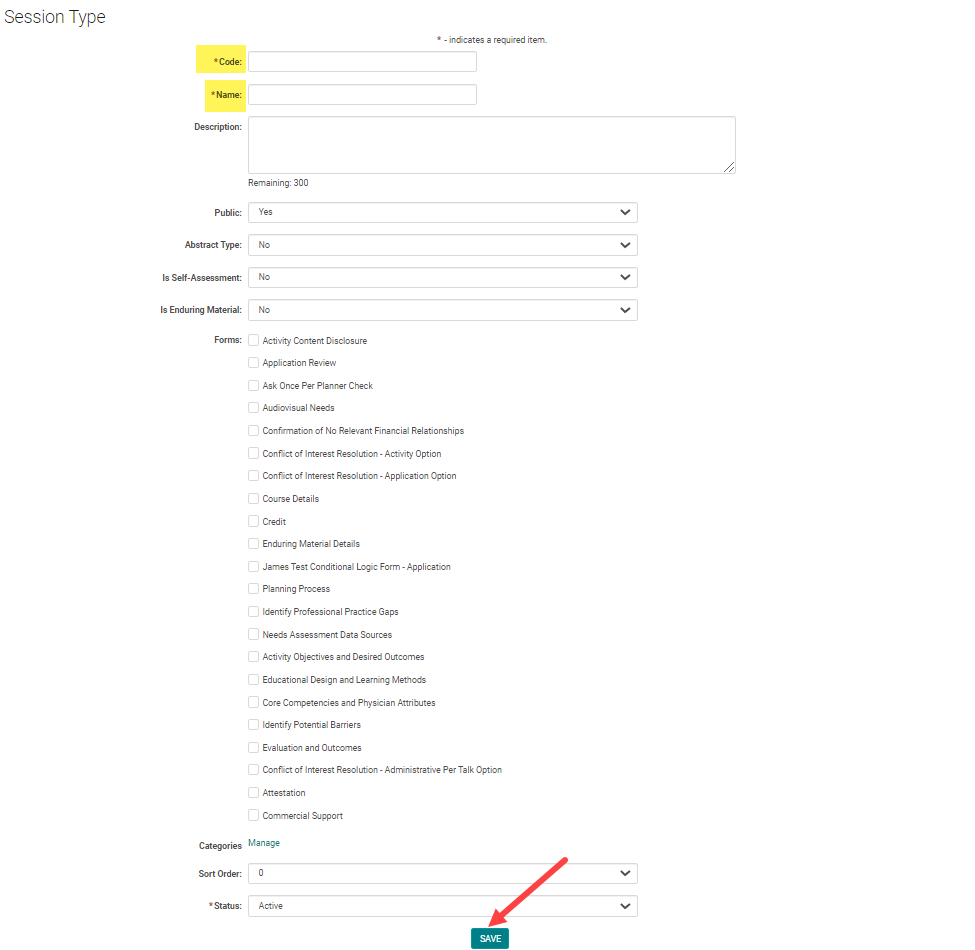
Complete the required fields and click 'Save'
Note: Make sure 'Abstract Type' is set to 'No'
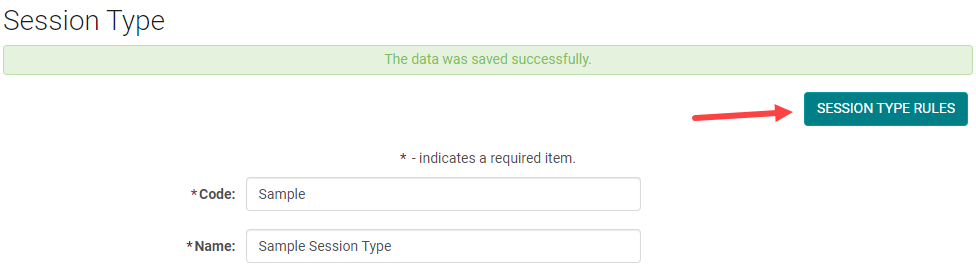
NEXT STEP - Add Event/Session Type Rules
Before you can assign people to Roles, you must set up Event/Session Type Rules
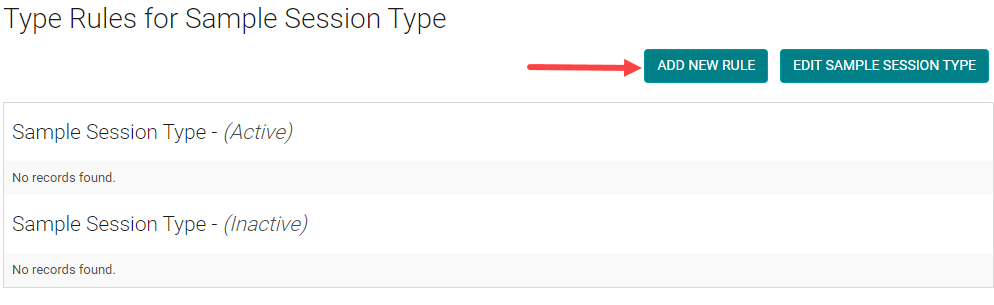
Click on the 'Add New Rule' button
Select the Speaker Role from the drop-down and click 'Save'.
NOTE: If you are using the CE/CME module, you can mark the Role as CEU Evaluation = Yes if you want the Role to be evaluated when users claim credit.
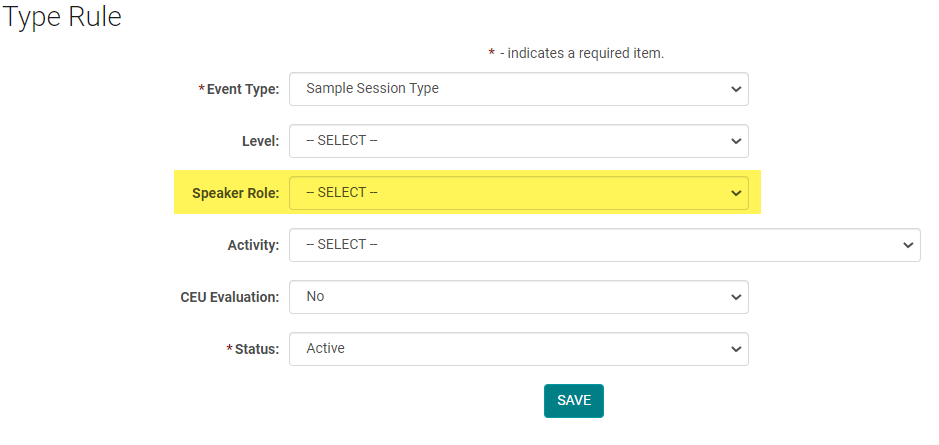
Continue to add as many Event/Session Type Rules, as needed.