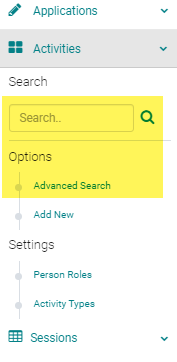
Go to Events/Sessions > use the text Search box or 'Advanced Search' to find the Event/Session you want to reorder the Speakers in
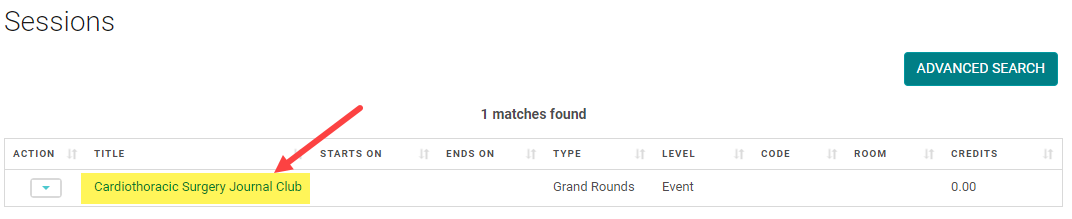
Click on the Event/Session Title
Click on the 'Manage People' button
NOTE: If you need to change the order of speakers at the 'Presentation' Level, click on the 'Presentations' button before you click 'Manage People' and follow the remaining steps.

Click on the 'Reorder Speakers' button

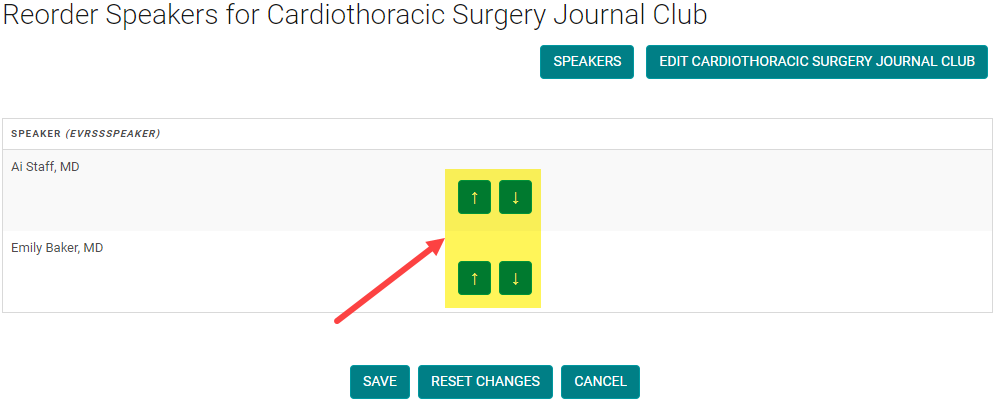
Use the Arrows to move the Speakers up or down until you have the correct order. Click 'Save' to save your changes.