Detailed below are updates made to the activity search and report filtering. The below updates have been released in your test environment as of March 3, 2022. They will be released in your live environment March 7, 2022.
PARS-specific Filters
Applicable to Activity > Advanced Searches and PARS specific reports.
We have grouped together the existing PARS specific fields under a new “PARS” header. You can continue to filter using these fields as normal. While ACCME is no longer requiring a reporting year, this will remain an option HighMarksCE.
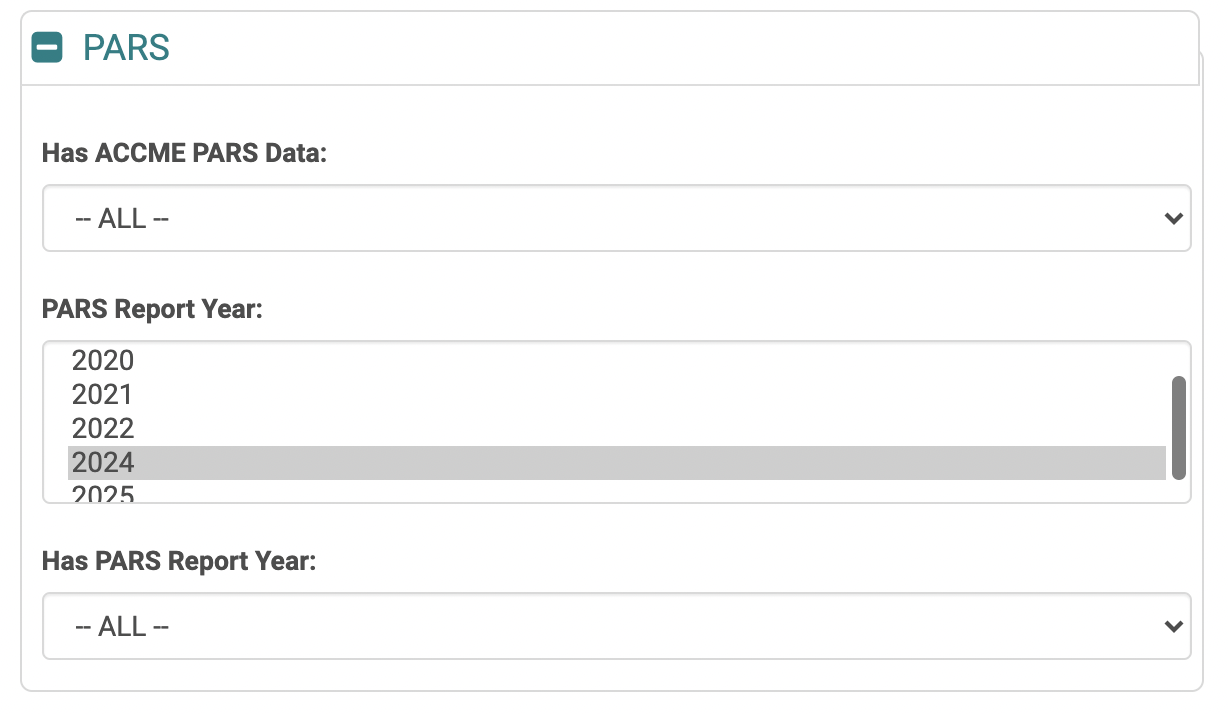
New Report Filtering Options
Applicable to Activity > Advanced Search and report filtering.
Under the Activity section of the filter screen, we have added new date fields to allow you to search for activities based on their start and end dates, regardless of a reporting year.
Starts:
- In Calendar Year: Select the calendar year(s) to search for activities with a start date in that year(s).
- On or After: To get more specific within a calendar year, enter a specific date to find activities that start on or after the entered date.
- On or Before: To get more specific within a calendar year, enter a specific date to find activities that start on or before the entered date.
Ends:
- In Calendar Year: Select the calendar year(s) to search for activities with an end date in that year(s).
- On or After: To get more specific within a calendar year, enter a specific date to find activities that end on or after the entered date.
- On or Before: To get more specific within a calendar year, enter a specific date to find activities that end on or before the entered date.
Example Use Cases:
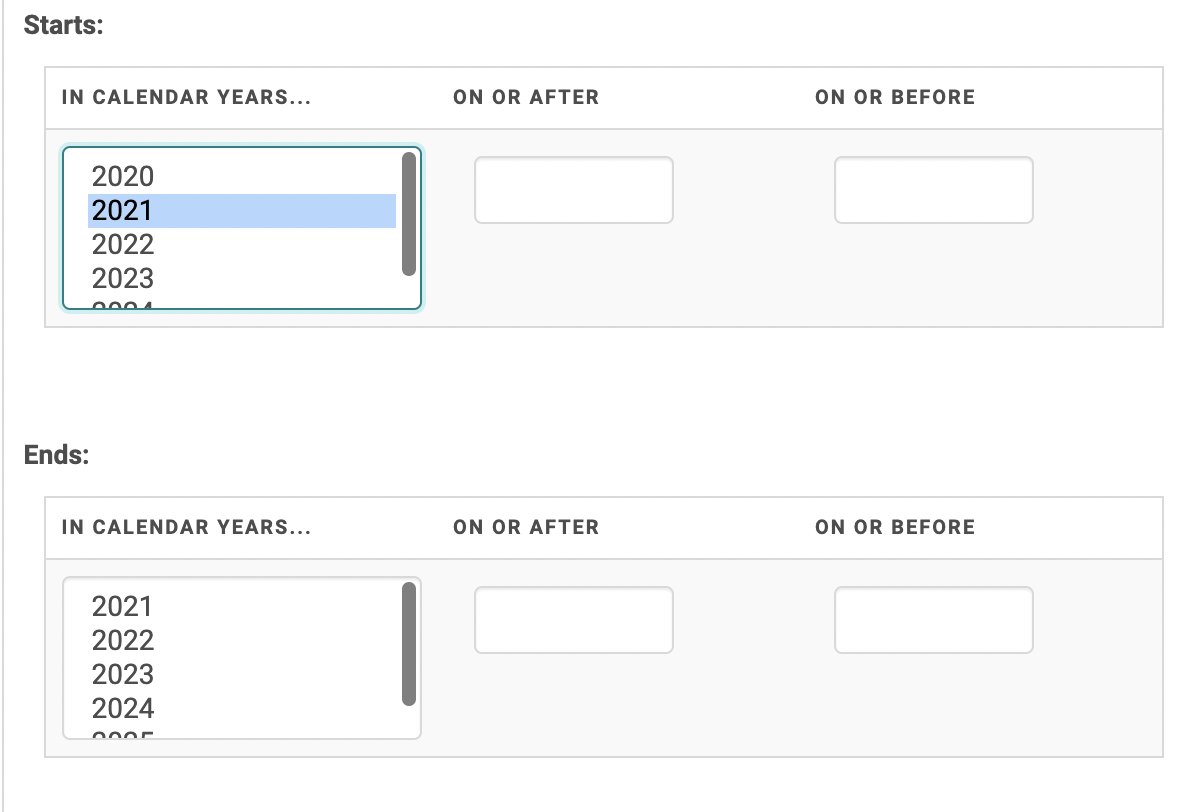
- Find all activities that start in 2021, regardless of their end date:
- In the Starts > In Calendar Year field > select 2021. No other filtering is necessary.
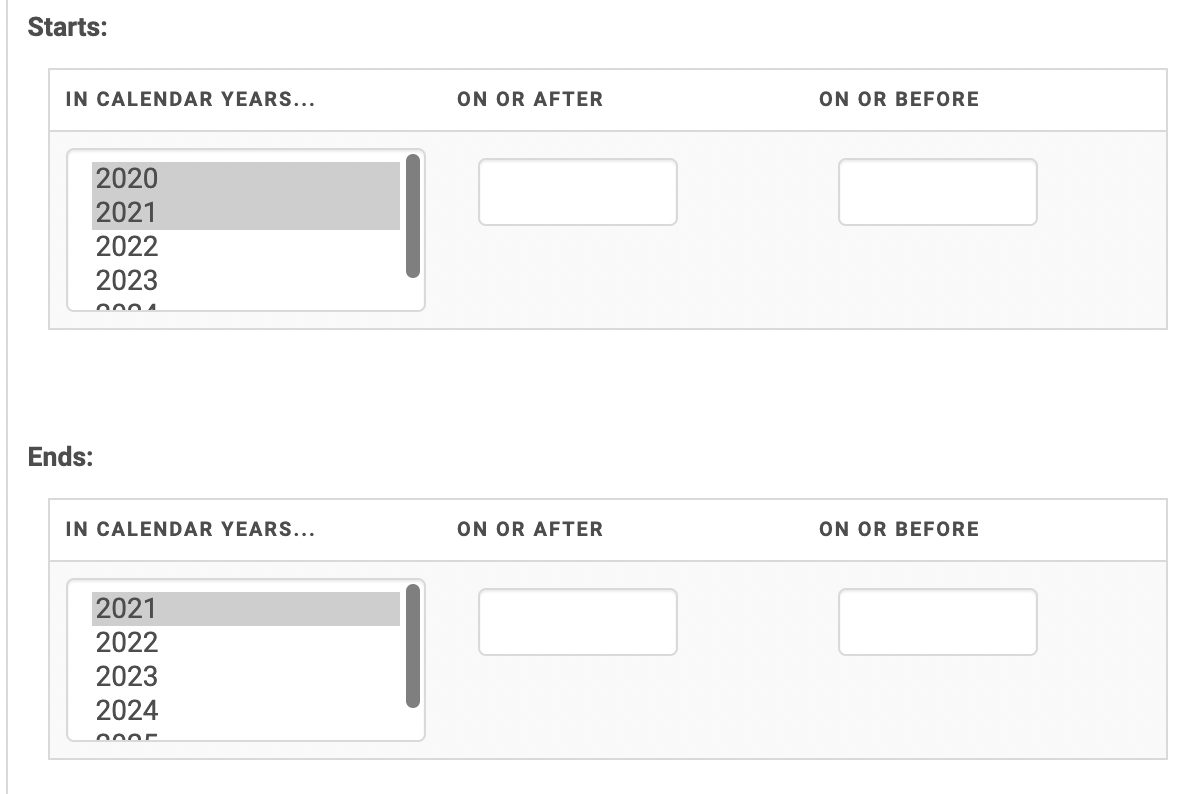
- Find all activities that started in 2020 AND 2021, but that ended in the 2021 calendar year:
- In the Starts > In Calendar Year field > select 2020 AND 2021.
- In the Ends > In Calendar Year field > select 2021
- Find activities that started between June 2020 and December 2020 but that ended anytime in 2021:
- In the Starts > In Calendar Year field > select 2020
- In the Starts > On or After field > enter June 1, 2020
- In the Starts > On or Before field > enter December 31, 2020
- In the Ends > In Calendar Year field > select 2021
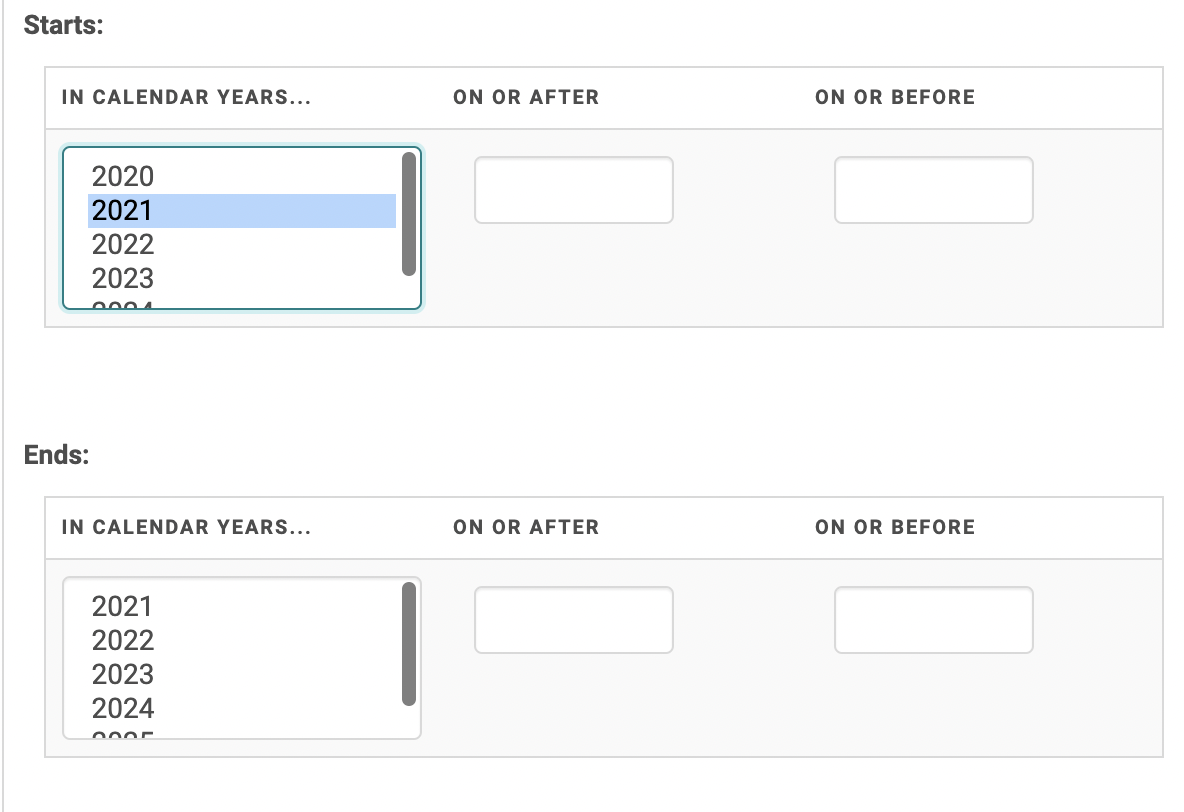
Note, the years that display in the “In Calendar Years” field are determined by the years in which you have activities. For example, if you have activities in HighMarks that started or ended in 2020, 2021, 2022, those years will show. If you do not have activities from 2019, that year will not be an option for you.