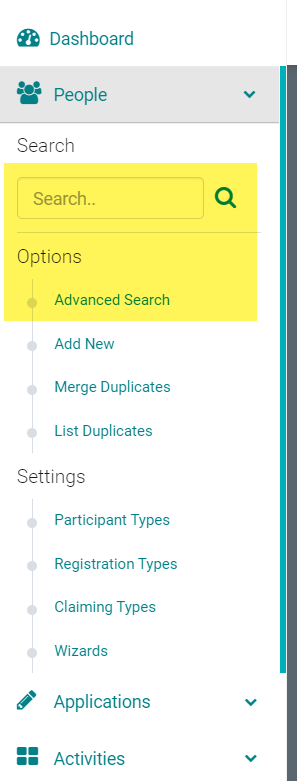
Go to People > Search for the person who should be the Submitter of the Application
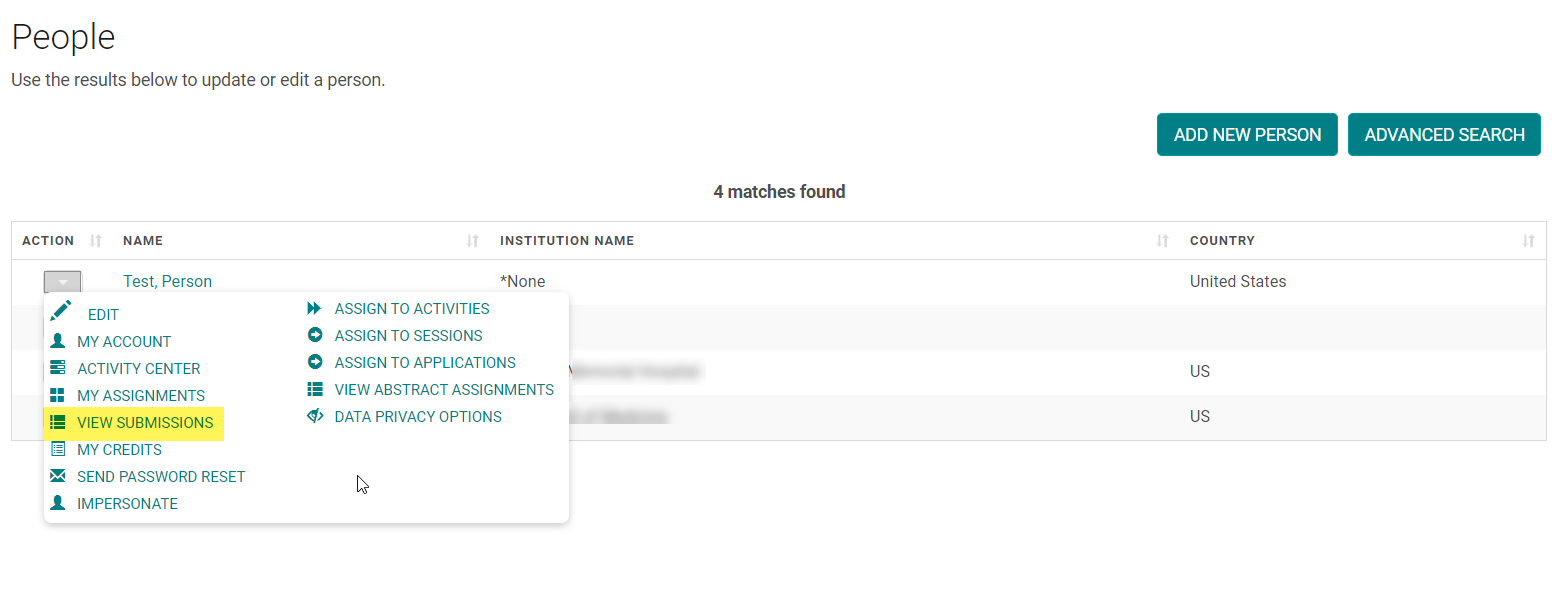
Hover over the arrow in the 'Action' column and click 'View Submissions'
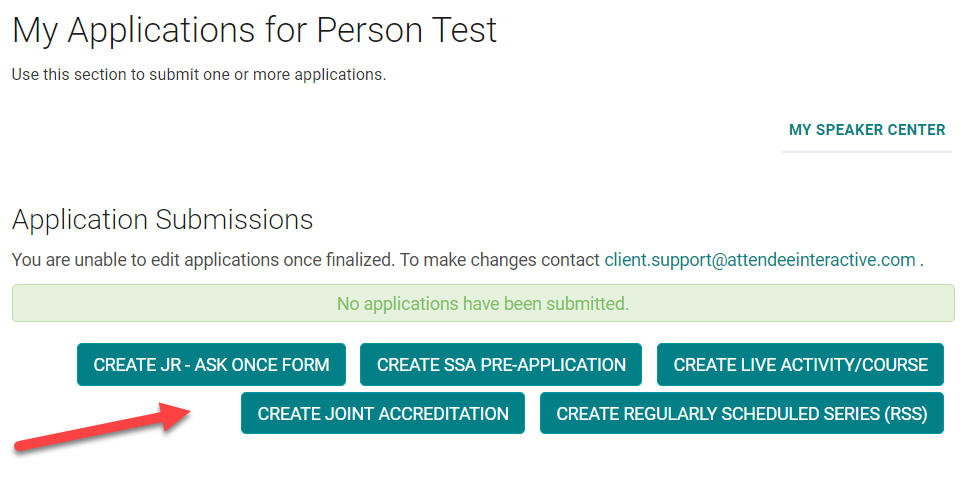
Click the option to add a new Application
Complete the required steps on all tabs of the application and click 'Submit' on the 'Finalize' step