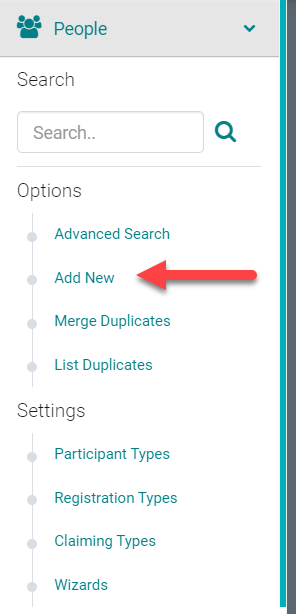
Go to People > Add New
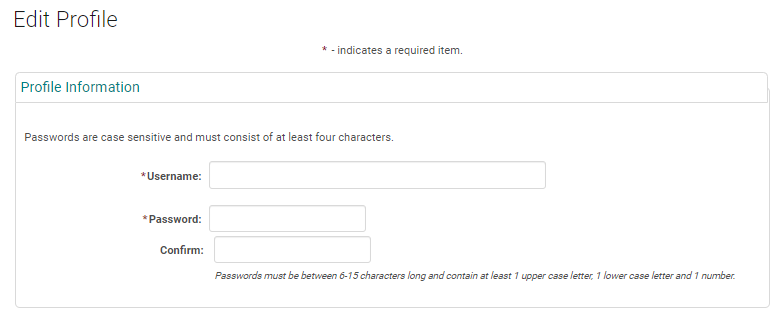
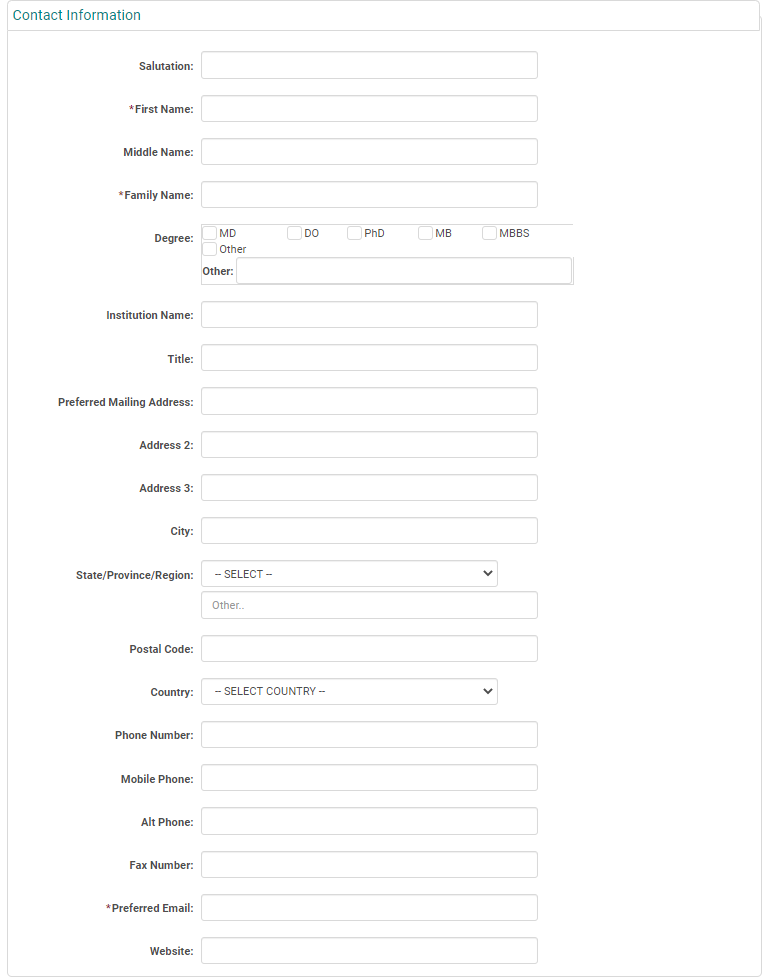
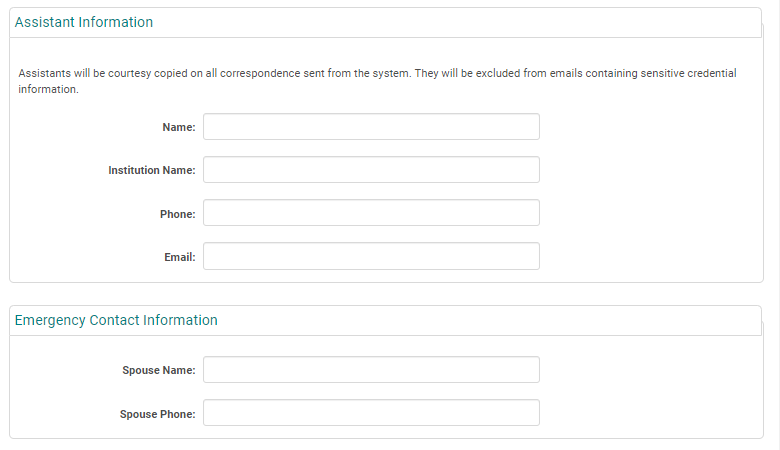
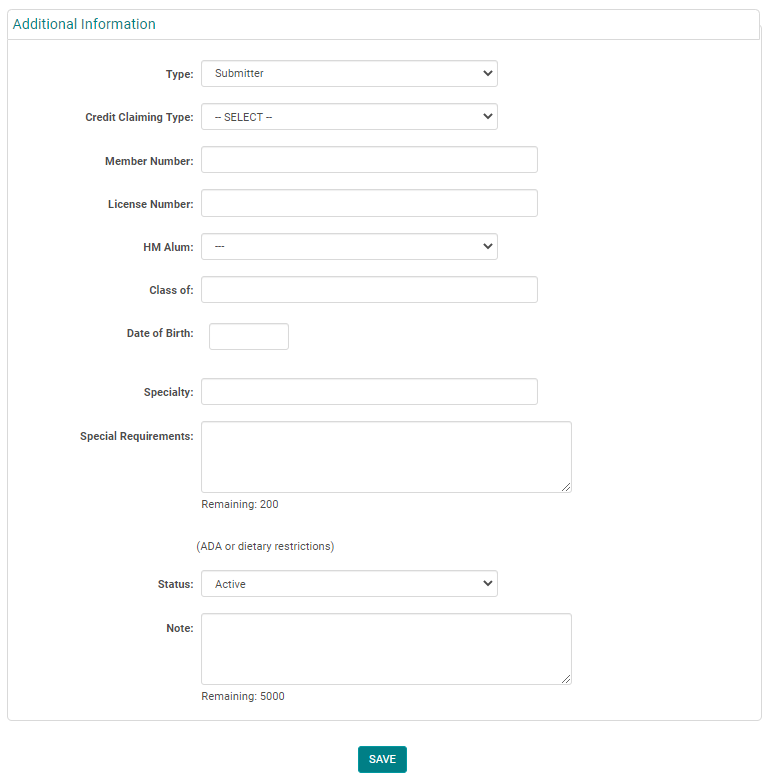
Complete the required fields, any additional information, and click 'Save'
NOTE: You do not need to enter a 'Username' or 'Password', the system will automatically create one when you click 'Save'
Type = Role of the Person. Eg. Submitter/ Coordinator/ Attendee/Speaker/Faculty