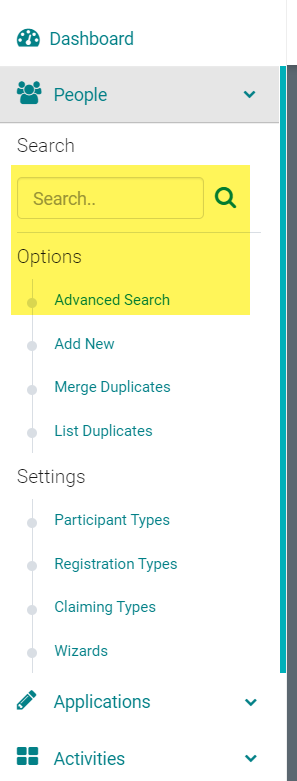
Go to People > Search for the person you need to add a payment to
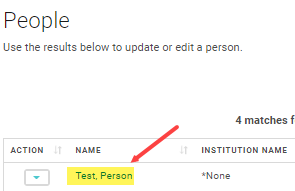
Click on the name of the person
Click on 'My Orders'

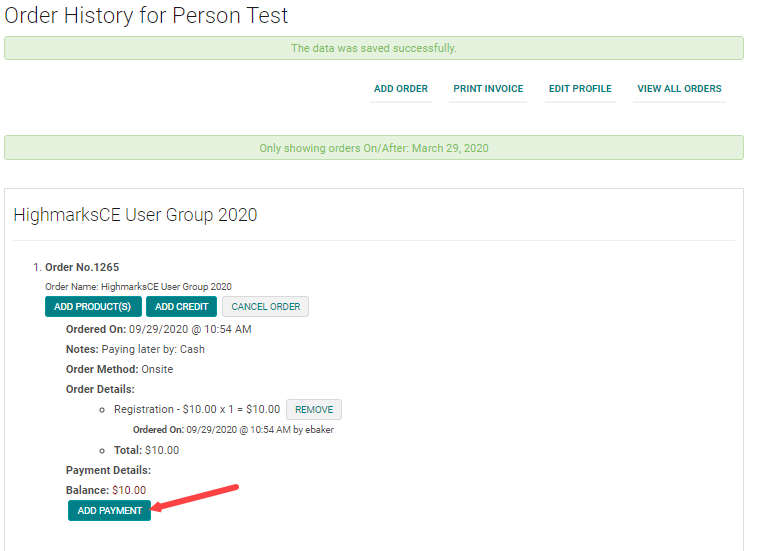
Click on 'Add Payment' next to the appropriate Order
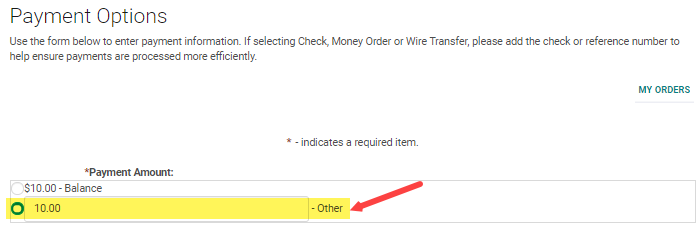
Select the 'Other' Payment Amount, update with the correct amount, and enter the appropriate payment information below.
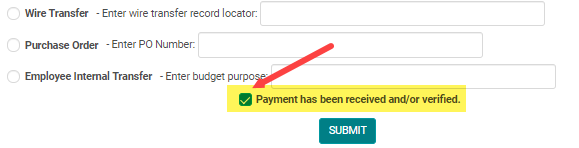
NOTE: You must check the box to verify the payment has been received; otherwise, the system will treat the payment as a 'Pay Later'