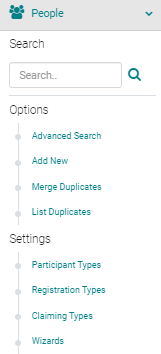
To add External Credits from the Admin, go to People > use the text search box or 'Advanced Search' to find the person you wish to add External Credits for
From the 'Action' column, click on 'My Credits' next to the appropriate Name

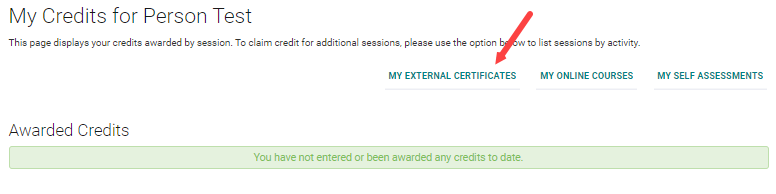
Click on the 'My External Credits' button
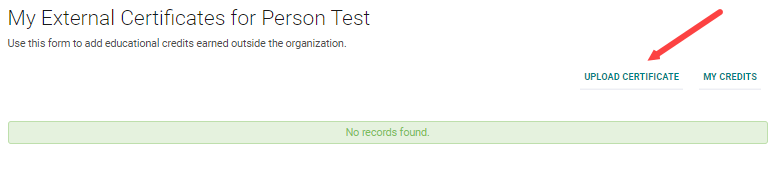
Click on the 'Upload Certificate' button
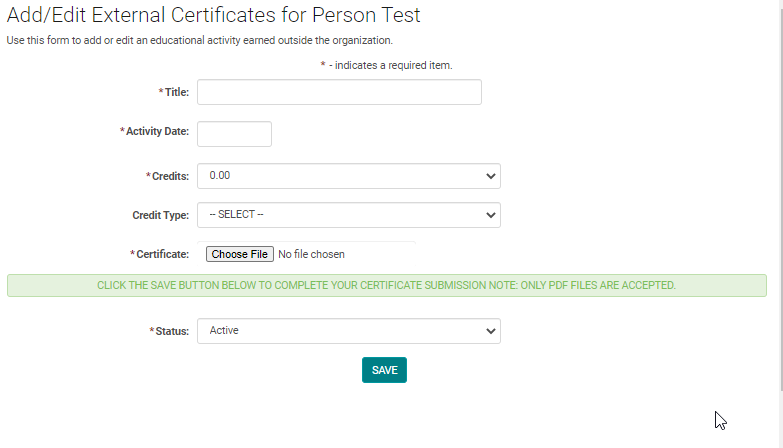
Complete the required fields and click 'Choose File' to upload the corresponding Certificate. Click 'Save' to update your changes.
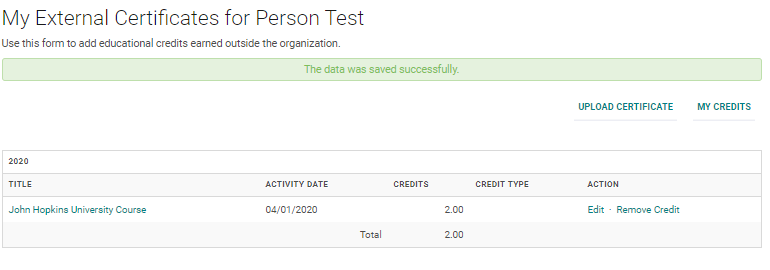
You will have the option to Edit or Remove the credit