Data Subjects are allowed to retrieve a copy of their personal data as part of the GDPR Right to Access/Right to Portability. Follow the below mentioned process to export the data to data subject when requested.
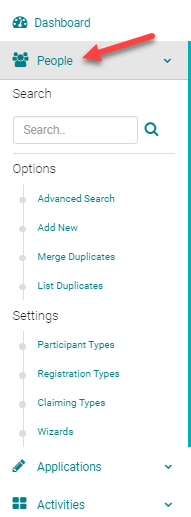
To export a person's data click on People tab and search for the person's profile under the search field.
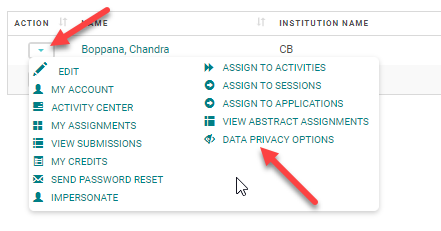
Click on the Action icon and click on Data Privacy Options
Click on Export Data(Data subject's name) button

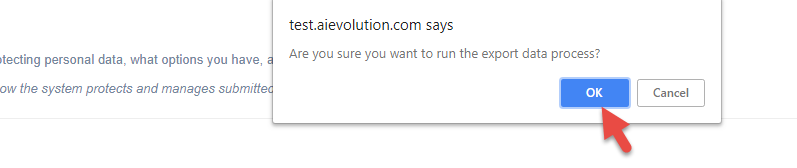
Confirm the data export process by selecting 'OK'
This message confirms that the person's data file has been emailed to the concerned data subject. Export Data generates a password protected zip file containing a person's data. Data is exported in a CSV file format and contains a read me document, which explains what each exported file contains.

This is how the email for the data subject looks, and the person can download the file and open it with the password provided in a separate email.

Look for a separate email for the password