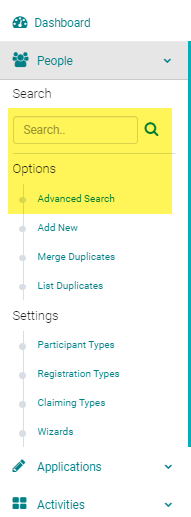
Go to People > use the search text box or 'Advanced Search' to find the person you need to cancel
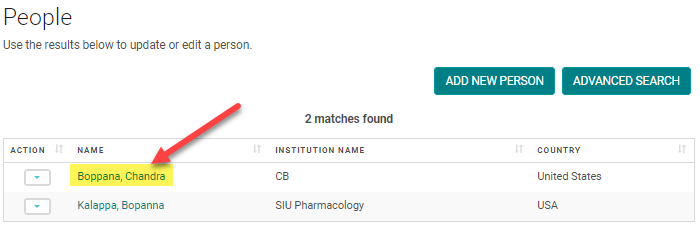
Click on the name of the person
Click on the 'My Orders' button

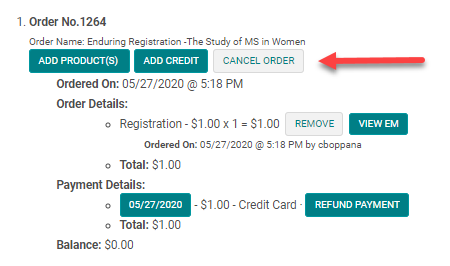
Click on the 'Cancel Registration' button for the appropriate order
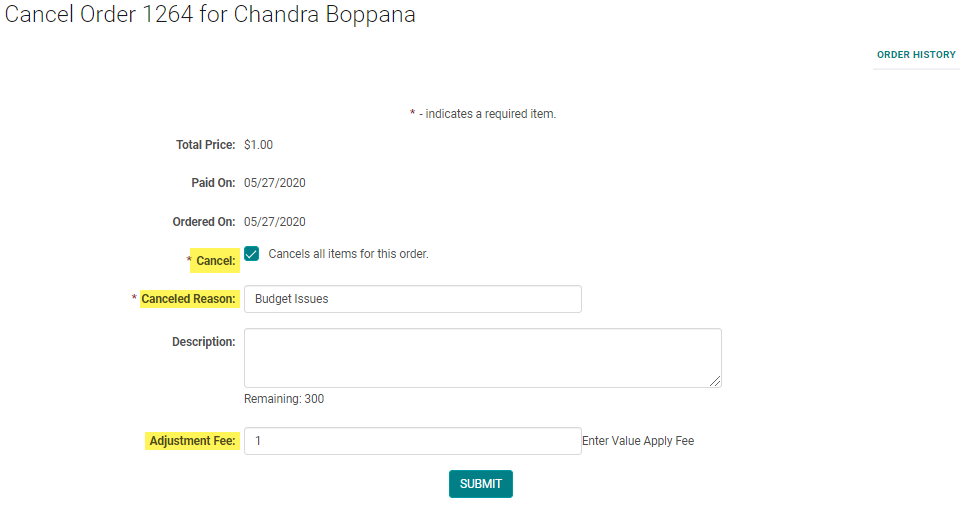
Enter the required fields and add an 'Adjustment Fee' (i.e., Cancelation Fee), if necessary. Click 'Submit' to continue.
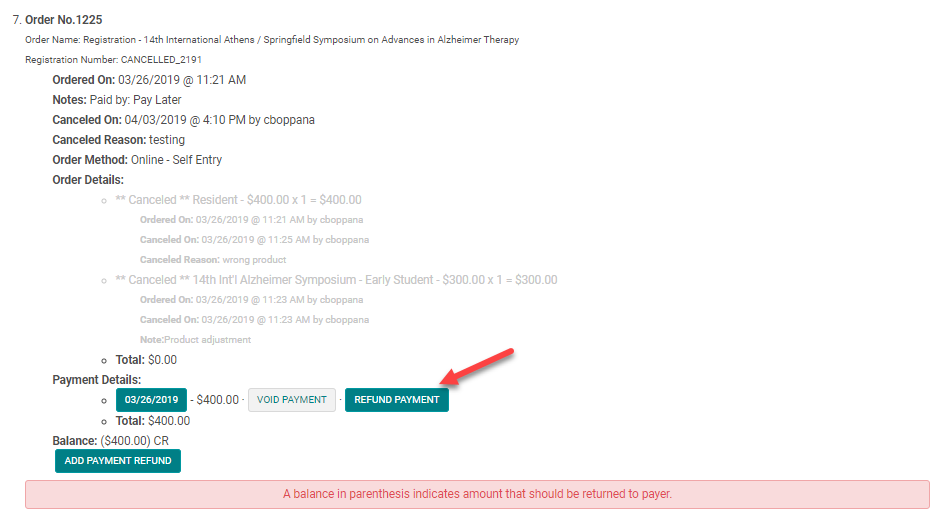
If payment was already applied to the order, you may need to refund the remaining balance.
Click on the 'Refund Payment' to process via the original method of payment. Ex. Credit cards
or
click on "Add Payment Refund" to choose other forms of refund.
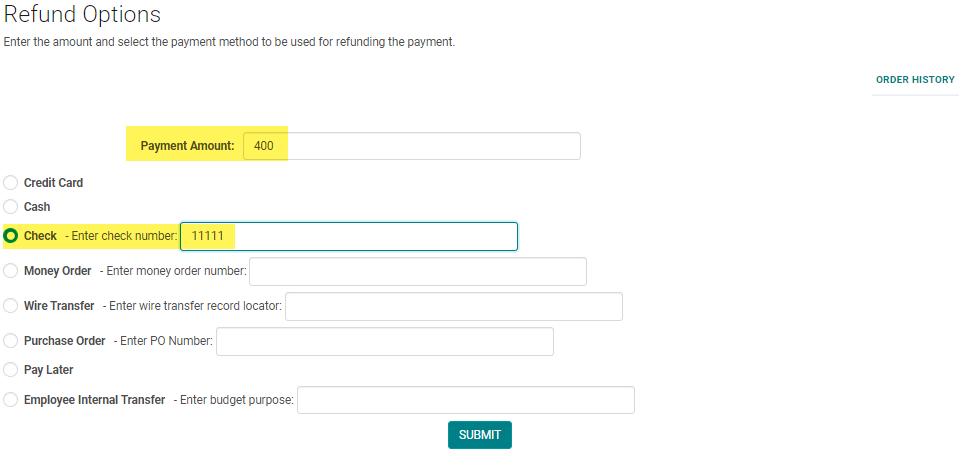
Enter the correct refund amount and payment method and click 'Submit'
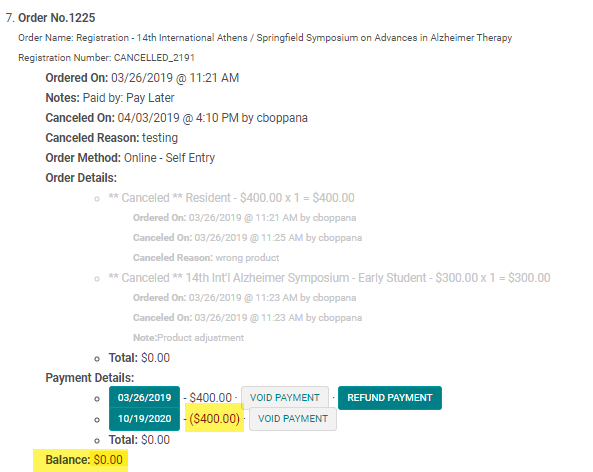
Confirm the refund was applied properly and the balance is zero