Note: Activities that include CME and MOC Sessions provide the facility to claim CME Credits with or without MOC points.
Also, if you "Check-In" Learners, to the main Session, they will be awarded the credit assigned to the main session and have the opportunity to complete the Self Assessment /MOC session for credit. However, if they should receive only 1 type of credit (i.e. AMA or ABIM) then do not check-in/add to the session attendance.
Log into the CME System with your user details
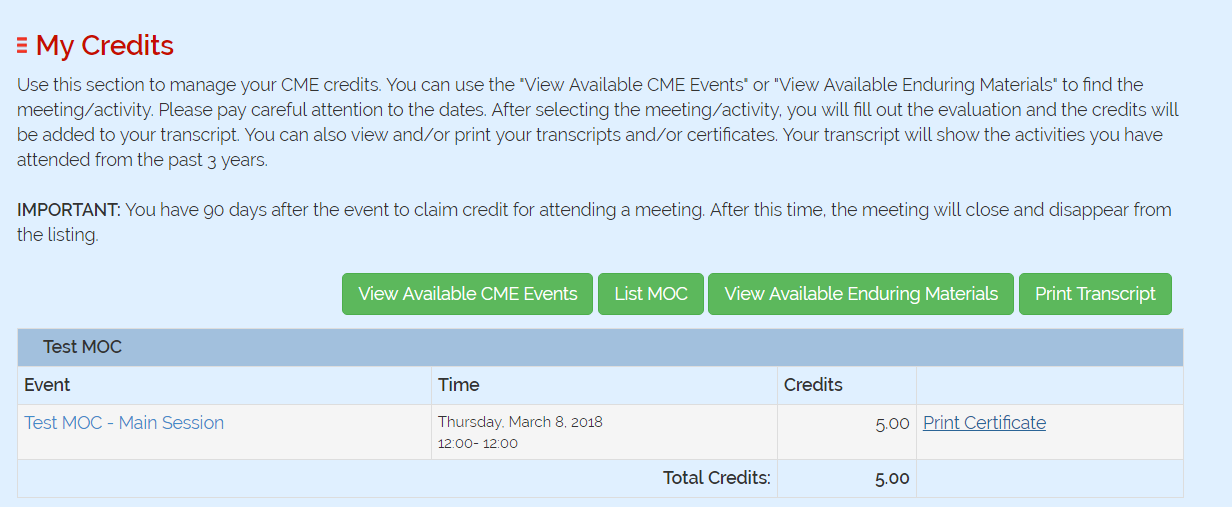
To claim CME Credits without MOCs Click on 'My Credits'

Click on 'View Available CME Events'

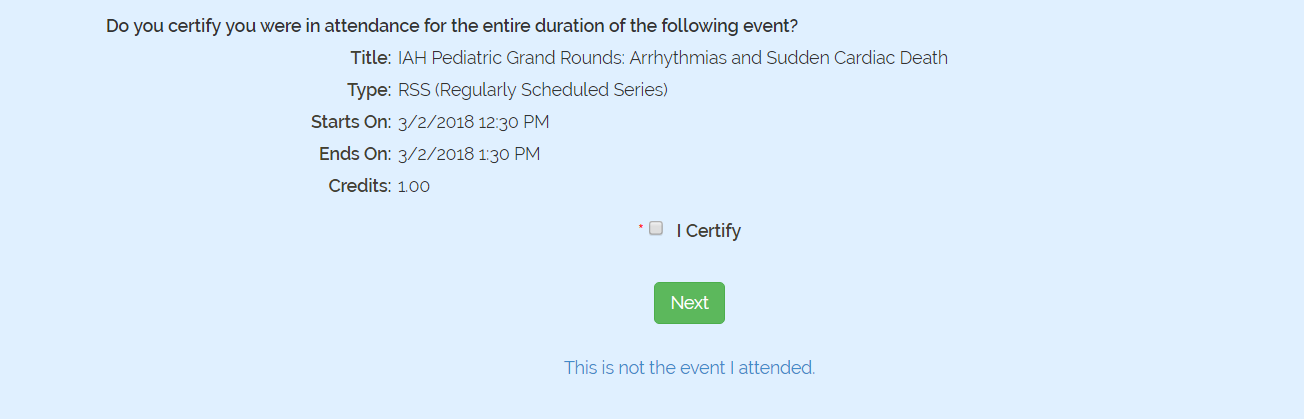
Check the 'I certify' box and Click 'Next'
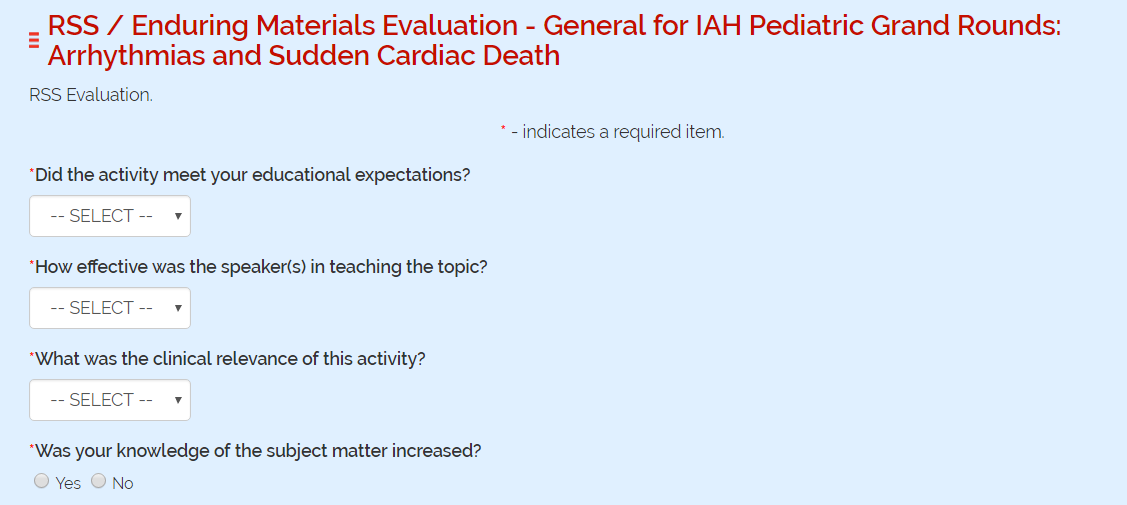
Complete the 'Evaluation' if there is any and 'Submit'
You will be taken to the 'My Credits' page from where you could edit the evaluation if required and 'Print Certificate'. This Certificate will only give you CME Credits without any MOC points.

To claim CME Credits and earn equivalent points towards MOC Click 'My MOCs.'
Click on 'My MOCs'

Click on 'List MOC'

Click on 'Start MOC' next to the MOC Session name.

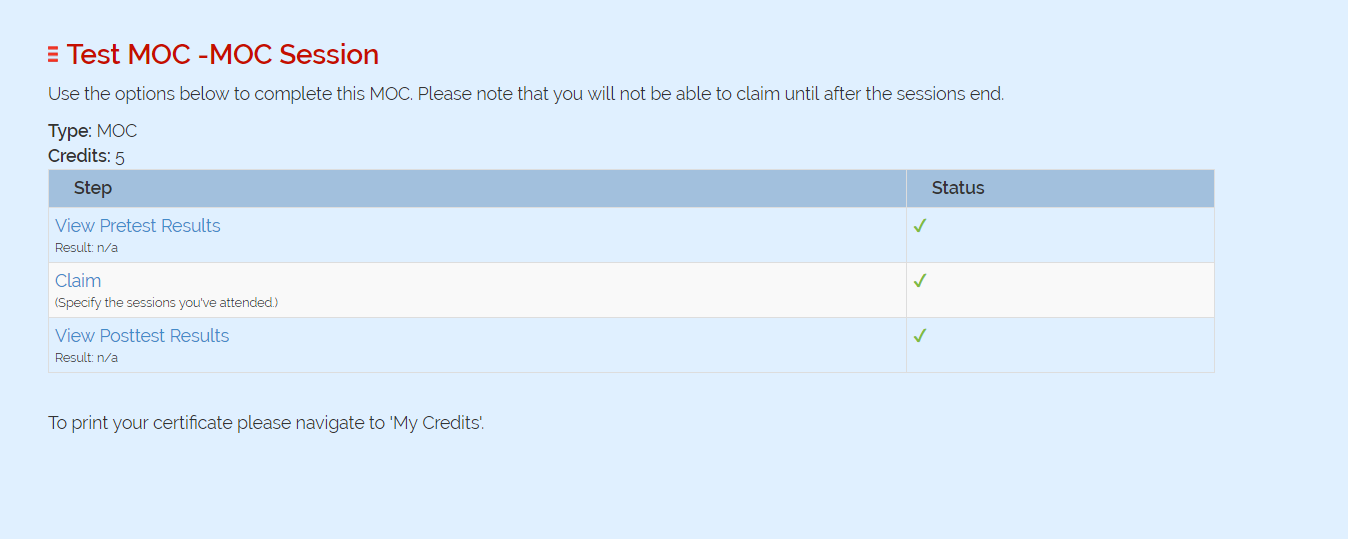
Take the Pretest if available
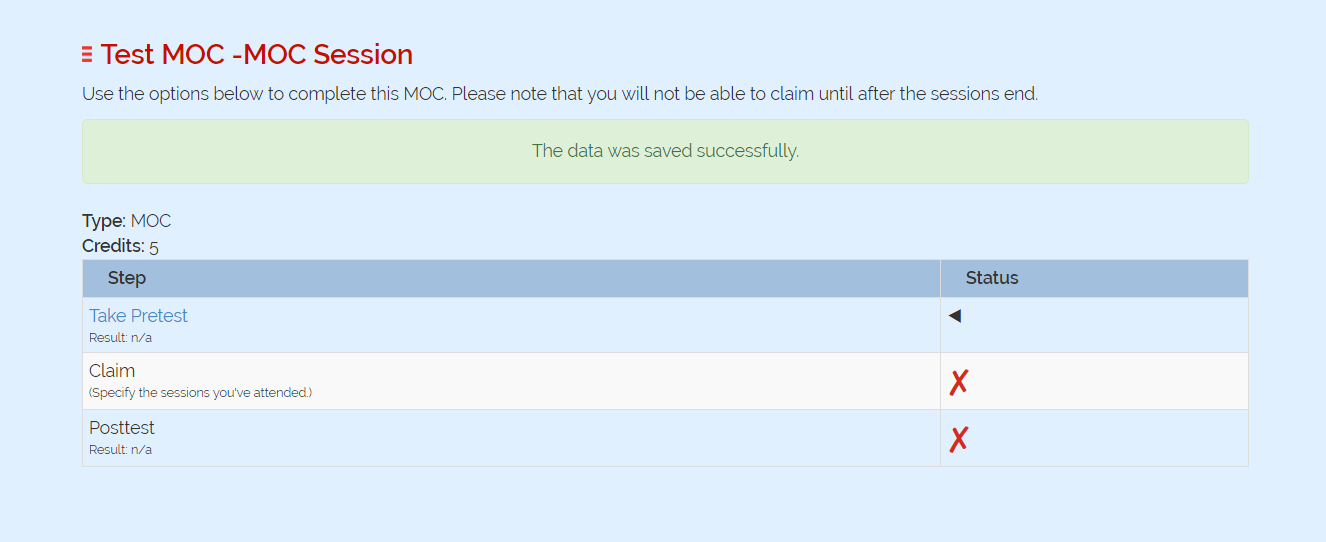
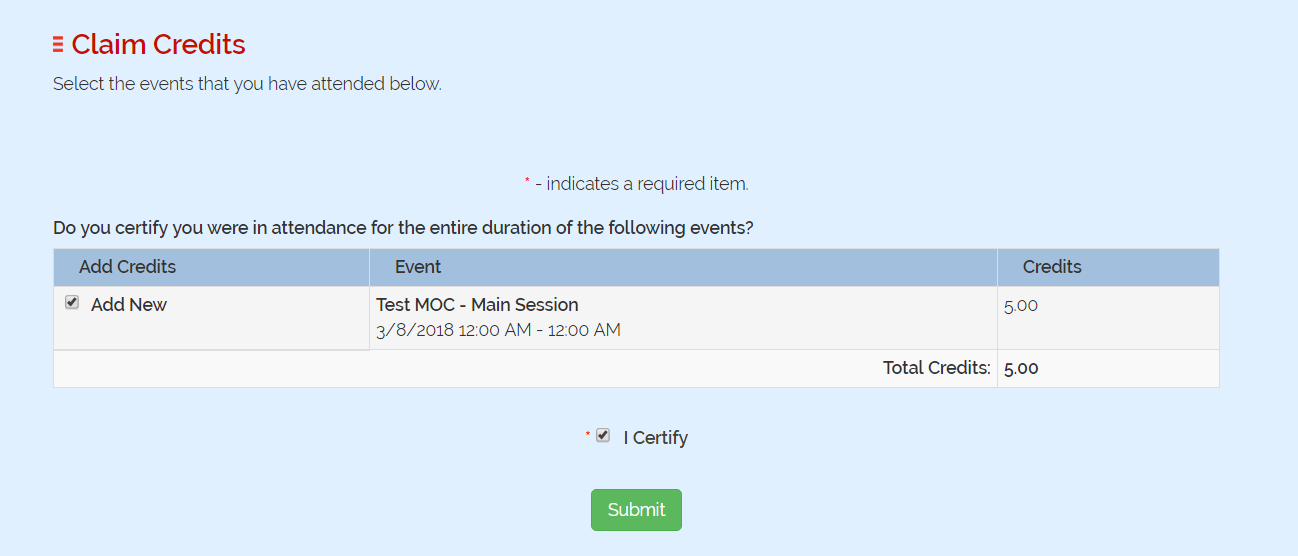
The next step is claiming the credits. When you click 'Claim' you will be asked to add the Sessions which you have attended Check 'Add New', check 'I Certify' and click 'Submit'.
Complete the Post test also. If the session you have attended requires any evaluation 'Evaluations' also show up under the post test.
Click on 'My Credits'

The Session you have entered will show up in the list. Click on 'Print Certificate'. Your Certificate will show the no. of CME Credits and the no. of MOC points you can earn from this Activity.