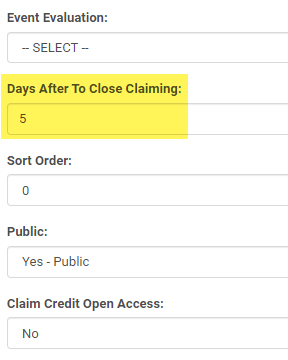
To close credit claiming for Regularly Scheduled Series (RSS) or Repeat Course after a specific number of days edit the 'Activity > Days After To Close Claiming' option.
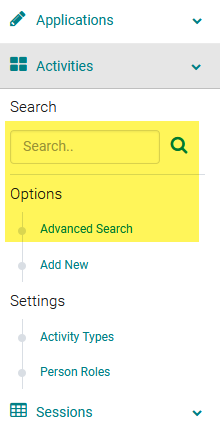
1. Use the Activity 'Switch' or go to Activities > use the text search option or 'Advanced Search'
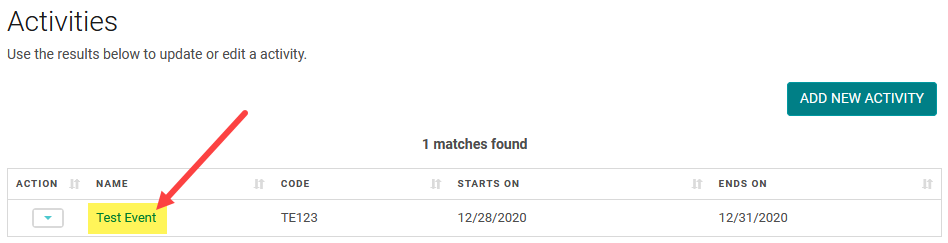
Click on the Name of the Activity
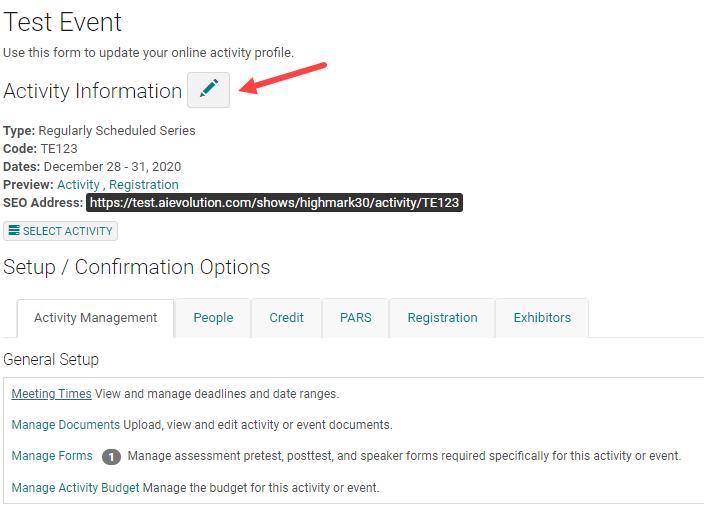
Click on the Edit icon and enter the number of days the claiming will be open after the session end date.
Update the 'Days After To Close Claiming' field.
Note: First configure the main credit claiming time.