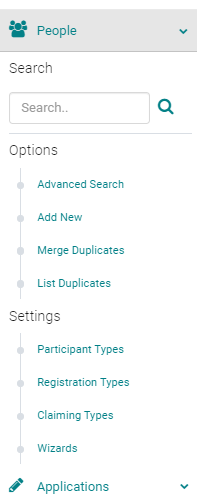
To issue partial credit for an end user within a particular Event/Session when credits are self-claimed: go to People > use the text search option or 'Advanced Search' to find the person who should receive partial credit
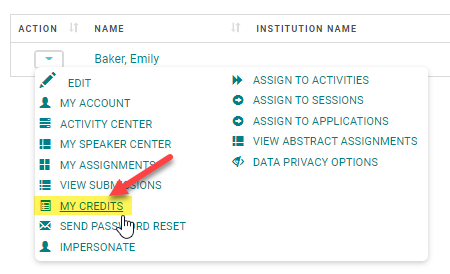
From the 'Action' column, click on 'My Credits' next to the appropriate Name
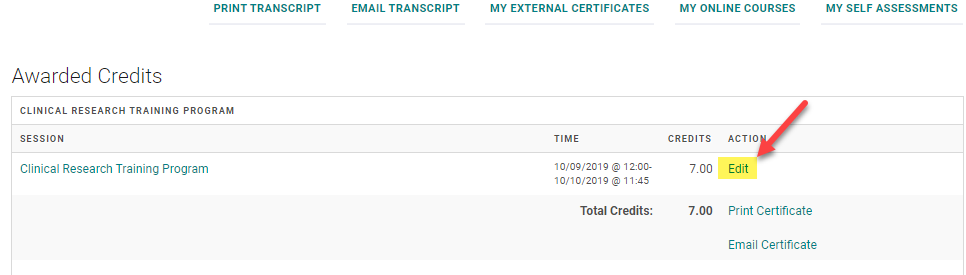
Click 'Edit' next to the Event/Session where the user should receive partial credit
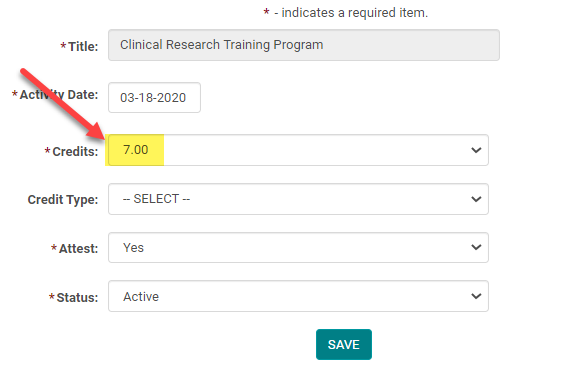
Select the appropriate amount of credit from the drop-down list (you may only award up to the total amount allowed for the Event/Session). Click 'Save' to update your changes.