On the Admin dashboard menu:
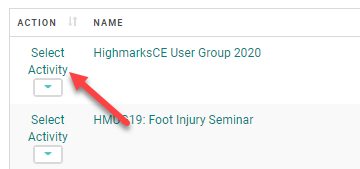
Go to Activities - Search and select the Activity you are registering the person for.
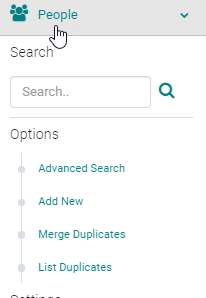
Go to People - Search for the person you want to register.
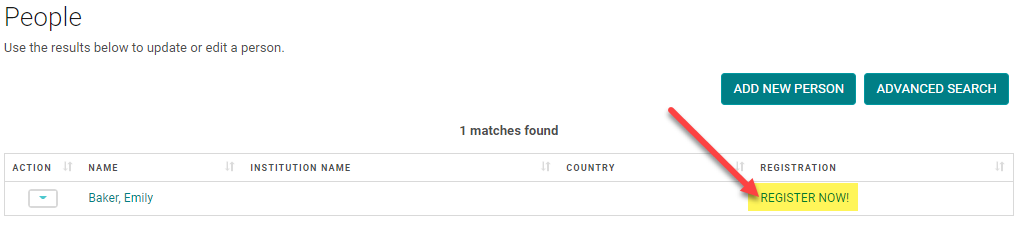
Click on the 'REGISTER NOW!' link and follow the steps to register.
NOTE: if you have partial payment for the registration, select the 'Pay Later' and follow the steps to add a partial payment to an Order: https://highmarksce.helpdocs.com/registration/adding-partial-payment-to-an-order