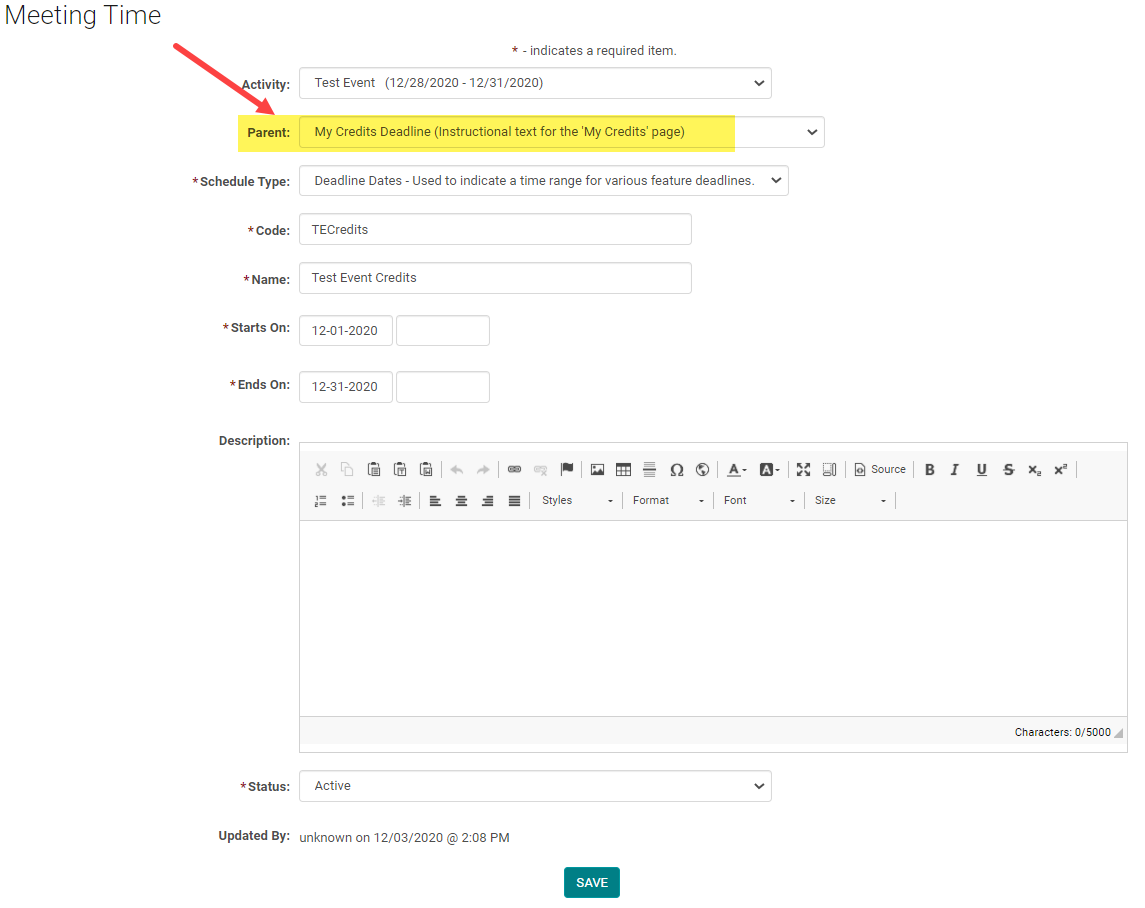
To open and close credit claiming for an Activity, add or edit the View CME /My Credits Deadline.
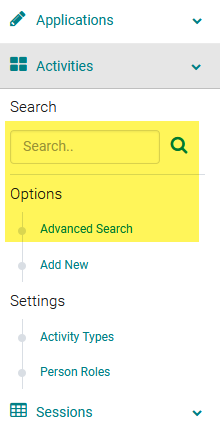
Step 1: Use the Activity 'Switch' or go to Activities > use the text search option or 'Advanced Search'
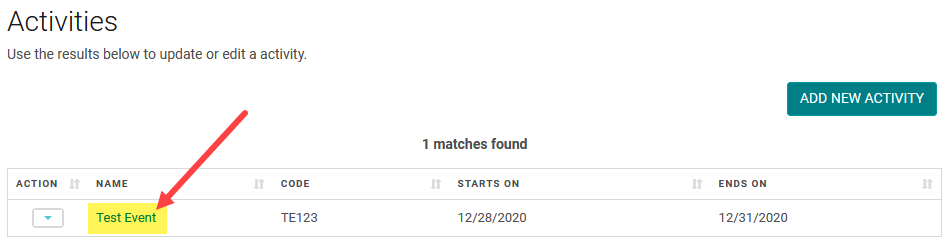
Step 2: Click on the Name of the Activity
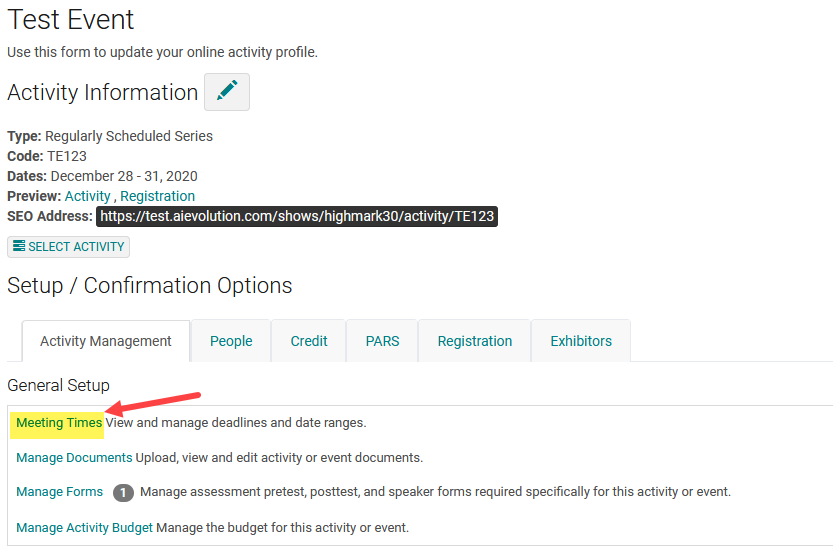
Step 3: Click on 'Meeting Times'
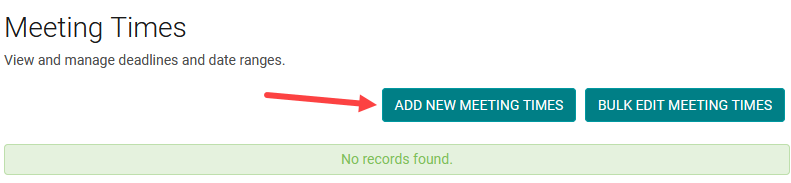
Step 4: Click on the 'Add New Meeting Time' button

Select the My Credits Deadline/View CME from the Parent drop-down and select the schedule type as Deadline Dates complete the required fields.