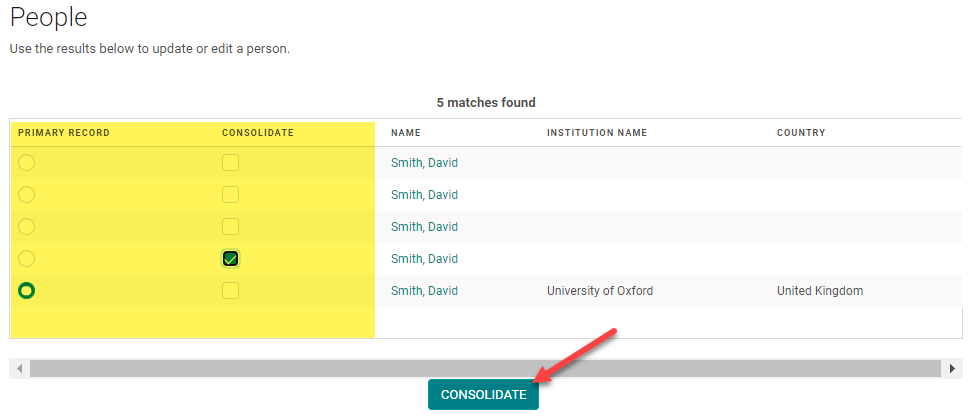
From the Admin, expand the 'People' menu and click 'List Duplicates'
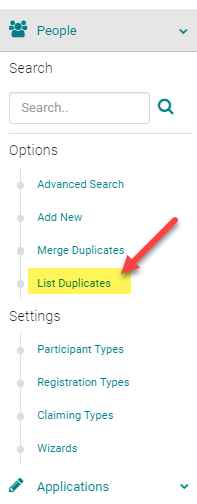
The system will search all people for a match of First Name, Last Name, and/or Email. Click "Merge Duplicates" next to the records you wish to merge
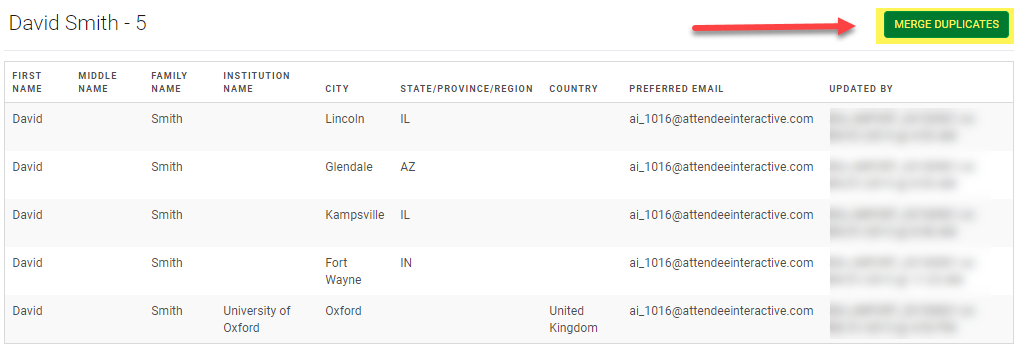
You will see two options: “Primary Record” and “Consolidate”
- Consolidate: these are all the records that will be consolidated into the primary record. All scheduled activities and credits earned will transfer to the primary record. All contact information will be deleted.
- Primary Record: all scheduled activities and contact information will be kept. This is the record that the contact will log-in with. The account with the most complete and updated contact information should be made as the primary record.
To complete the process, click Consolidate.