To set Meeting times use the Activity 'Switch' or go to Activities > use the text search option or 'Advanced Search'
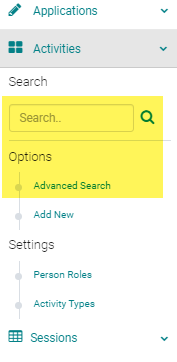
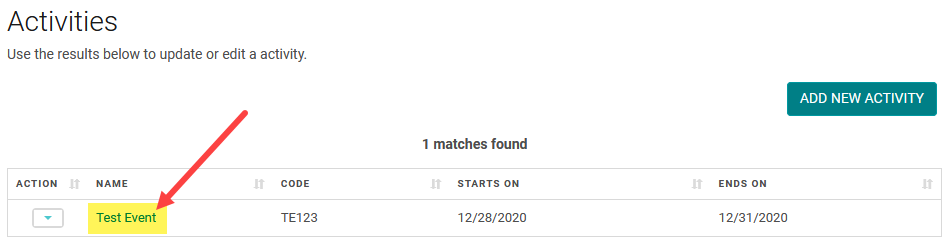
Click on the Name of the Activity
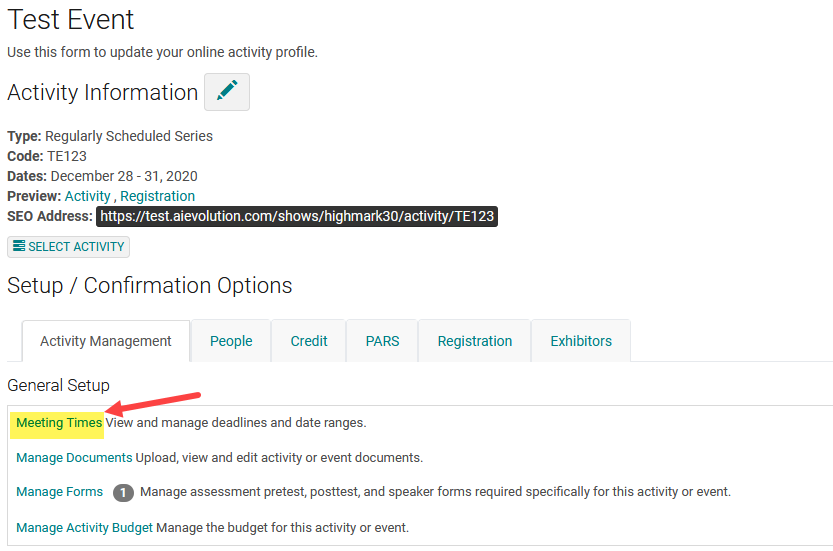
Click on 'Meeting Times'
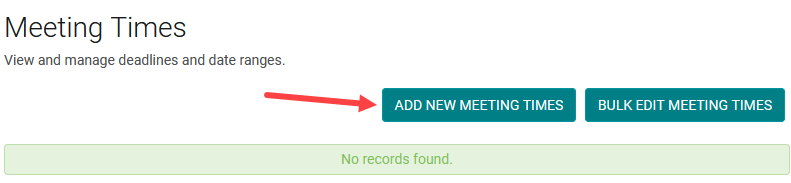
Click on the 'Add New Meeting Time' button

Select the Speaker Ready Room Deadline from the 'Parent' drop-down and complete the required fields.
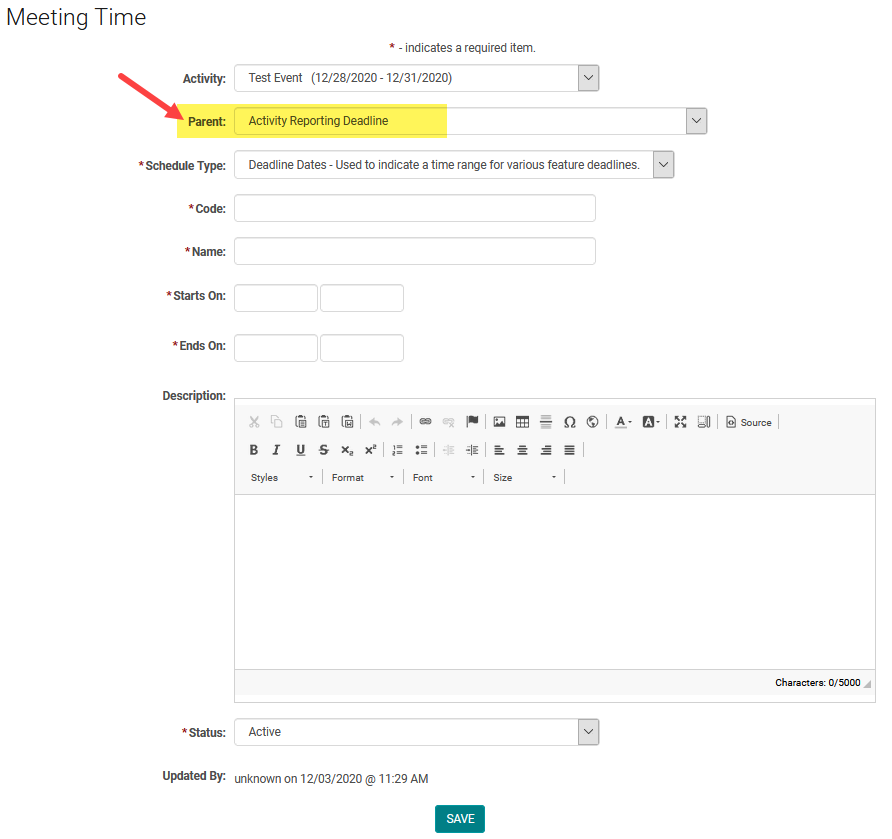
Parent Meeting time Definitions:
Parent Meeting times are the privileges or the time ranges or deadlines set on the front end accessibility of certain HighMarks features.
Activity Document Deadline - Sets time range to upload Activity related documents. This deadline also restricts the back end admin ability to upload documents under 'Manage Documents' on the Activity dashboard.
Activity Reporting Deadline - Sets time ranges to allow the front-end coordinators to report on the Activity.
Event Document Deadline - Sets time range to upload documents under 'Manage Documents' on the Activity dashboard.
My Credits Deadline - Sets the time frame for credit claiming
Post-Activity Requirements Deadline - Sets time ranges to Upload, complete and review documents and forms required after the activity ends.
Pre-Activity Requirements Deadline - Sets time ranges to Upload, complete and review documents and forms required before the activity or event starts.
Registration Deadline - Sets the deadline for registration
Reviewer Date Range - Sets the time range for Reviewer roles to review the content.
Sessioning Create from Template - Sets the permissions for front-end coordinators to create sessions from the template.
Sessioning New - Sets the permissions for front-end coordinators to add sessions for an activity.
Sessioning Deadline - Sets the deadline for session management by front-end coordinators.
Speaker Document Deadline - Document upload deadline for the Speakers
Speaker Ready Room Deadline - Sets the time period for Speaker Ready Room accessibility.
Field Definitions:
Code: Admin use only
Name: Admin use only (suggest using Activity Name and purpose of Meeting Time as the Name)
Starts On: enables the meeting time for the Activity
Ends On: disables the meeting for the Activity
Description: displays instructional text / content at the top of specific meeting time related page. If left blank, the GLOBAL meeting time text will display.