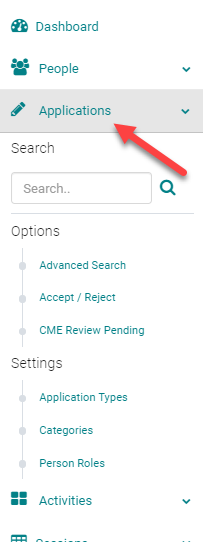
Step 1: Click on Applications
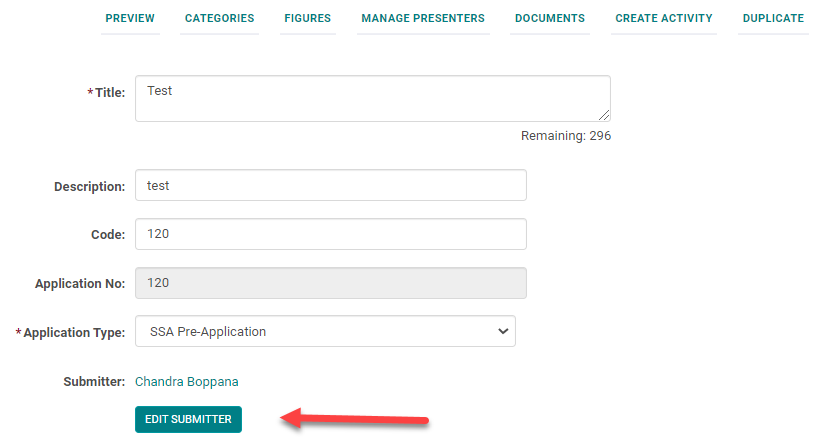
Step 2: Click on the Advanced Editing icon of the Application for which you want to change the Submitter.

Step 3: Click on Edit Submitter button
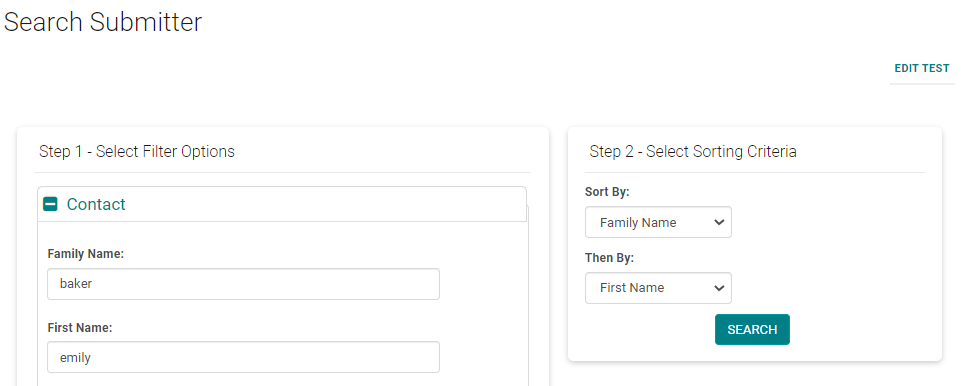
Step 4: Search for the new Submitter by the name
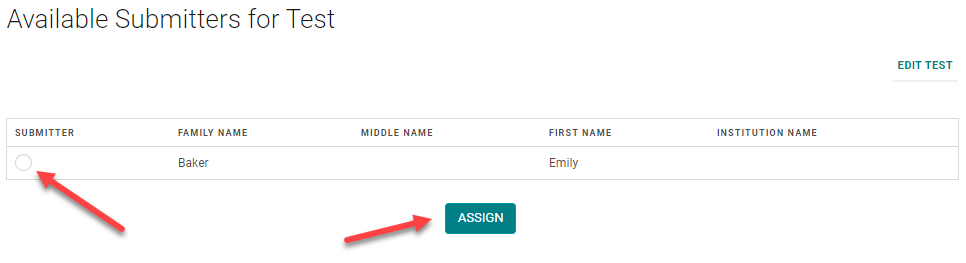
Step 5: Click the Radio button and Click on Assign
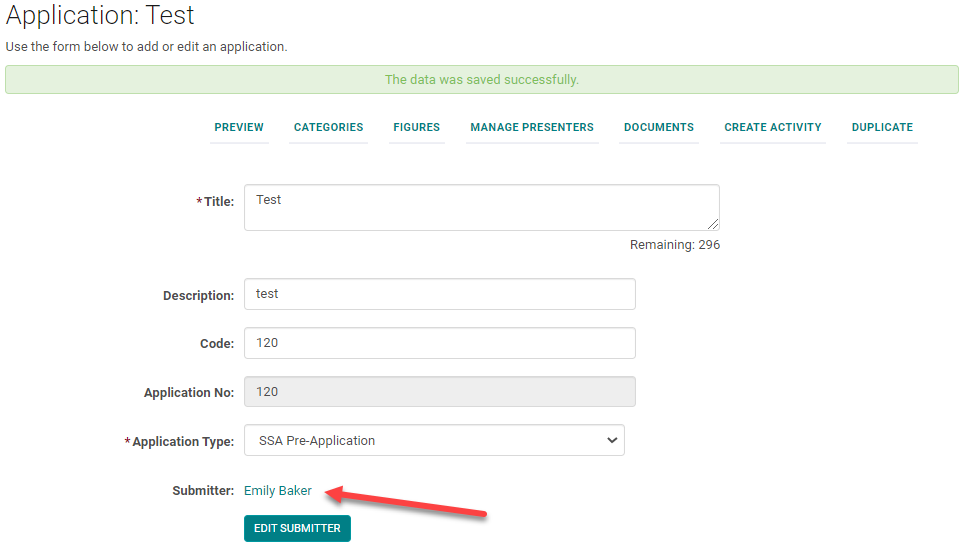
You will see the new Submitter's name - Save the Application.