NOTE: You can only Inactivate a Person if they are not assigned to any content or functionality in the system. If you do not see the 'Status' field option, use the 'Remove Person' option to cancel the person (see related article).
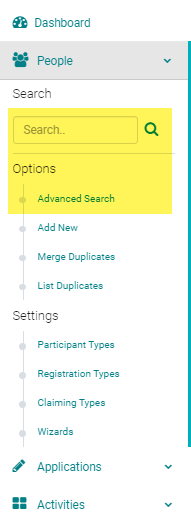
Go to People > use the search box or 'Advanced Search' to find the person you want to inactivate
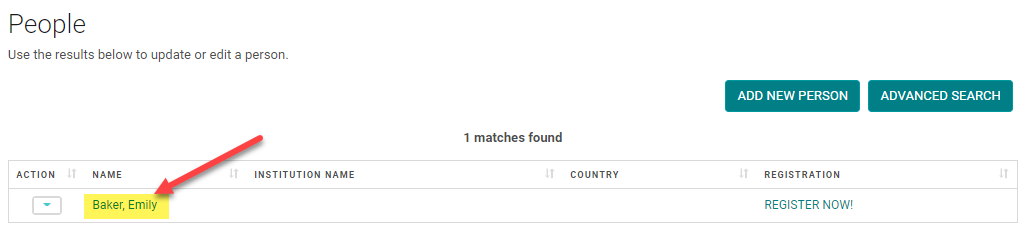
Click on the Name of the person,
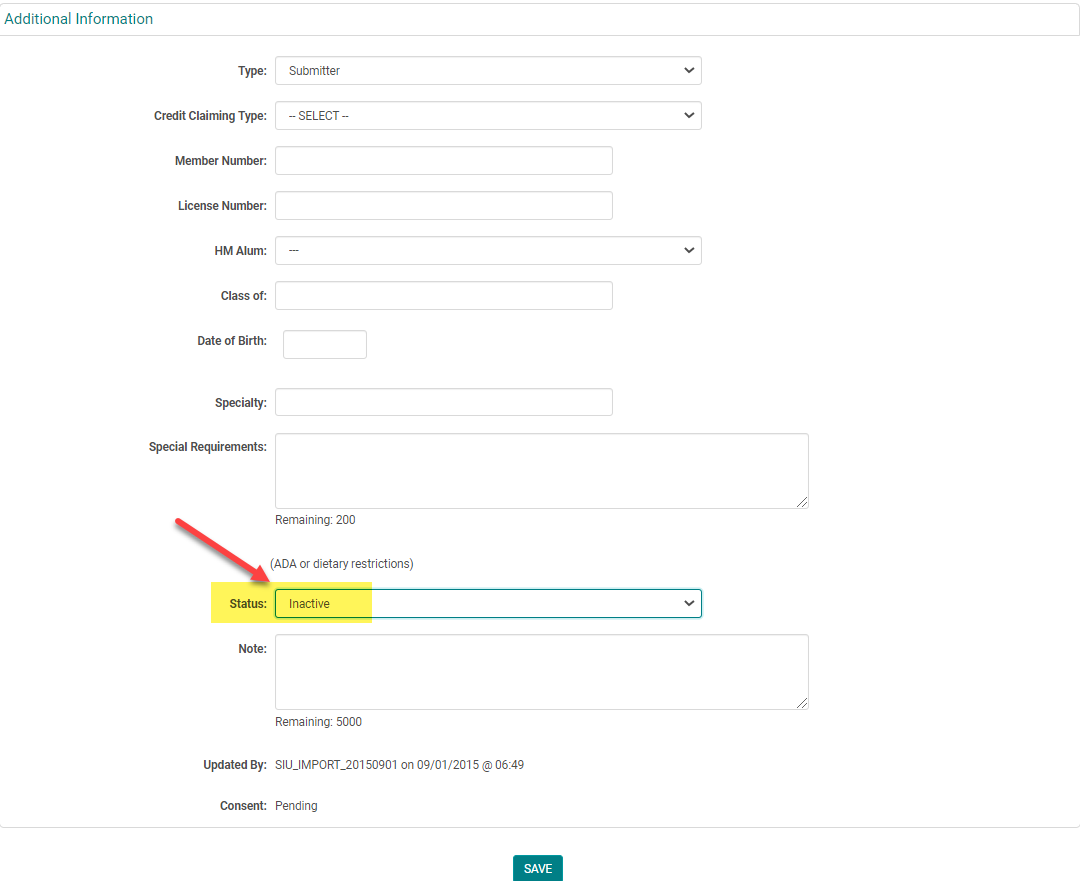
Scroll to the bottom of the screen, change the 'Status' field to 'Inactive', and click 'Save'
NOTE: You can still search for Status = Inactive people using the People > 'Advanced Search' option